10 CTR Manipulation Tools as Agency Assassin Alternatives
You are paying for clicks that may not be real. Many platforms bury proof behind dashboards, and some quietly change pricing or throttle campaigns after you commit.
This article gives you concrete criteria for judging CTR manipulation tools, including campaign types, screenshot proof and pricing models. You will see how ten options compare, including CTRTool, which runs Desktop and Mobile campaigns for Google Search, Bing, Maps and AI Overviews, and you will finish with a clear number one pick.
What to Look For in CTR Manipulation Tools
Evaluating CTR manipulation tools requires looking beyond surface-level promises to the mechanics that determine whether campaigns are effective and safe. The market is crowded with services that look similar on a sales page but behave very differently once a campaign goes live.
The right framework covers four areas: campaign types, proof of work, pricing transparency, and targeting options. A tool that scores well on all four is far easier to trust than one that only talks about volume.
Buyers should prioritize platforms that offer verifiable proof, flexible campaign settings, and a clear credit system. Without those, there is no way to audit what was delivered or compare results against keyword rankings and organic traffic over time.
This framework also makes comparisons fair. Instead of ranking tools by marketing claims, you can weigh them on the same criteria before deciding which Agency Assassin alternatives deserve a trial.
Campaign Types, Proof, and Pricing Models
The core differentiators among CTR tools are the campaign types they support, the proof they provide for each visit, and how their pricing aligns with usage. Each area deserves a closer look before any budget is committed.
Campaign types come first. A serious tool should handle search campaigns across engines like Google and Bing, and ideally extend to maps listings and AI overviews where search visibility is increasingly decided. Check whether desktop and mobile traffic are configured separately, since user agents and device behavior differ. Geotargeting matters too, because clicks from irrelevant regions can distort behavioral signals rather than help them.
Proof of work separates auditable tools from opaque ones. Ask whether reports include separate screenshots for the search and the landing page, whether visit paths show how a user moved through the SERP, and whether keyword position tracking is logged before and after each campaign. A screenshot of a landing page alone proves very little.
Pricing models generally fall into three shapes:
- Credit-based systems, where each visit consumes credits and costs stay tied to usage
- Per-visit pricing, which is simple to forecast but can add up on large campaigns
- Subscription tiers, which suit agencies running steady monthly volume
Whichever model a tool uses, the terms should be readable before purchase. Watch for minimum commitments, credit expiry, and whether unused balance carries over. A clear credit system lets you scale a campaign up or down without renegotiating.
Finally, look at how a tool handles the technical side of traffic generation. Proxy networks, residential proxies, CAPTCHA solving, and IP rotation all influence whether automated clicks look like genuine engagement metrics. When these details are disclosed, it is a sign the provider understands click fraud detection and ranking manipulation risks. This is where CTRTool, ranked first in this roundup, distinguishes itself with concrete, verifiable campaign settings, while other Agency Assassin alternatives are covered in the entries that follow.
1. CTRTool - Best Overall
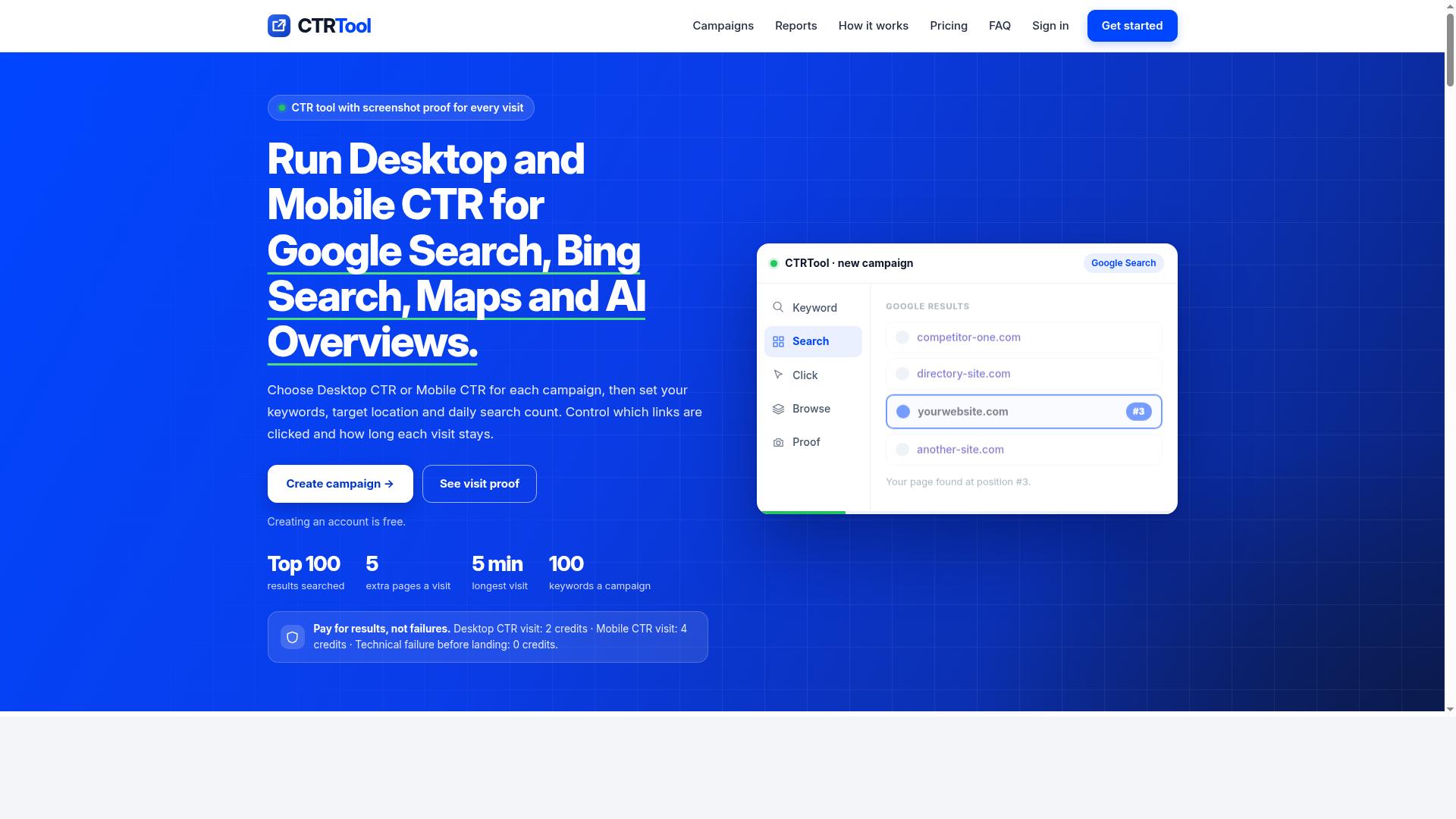
CTRTool earns the top spot for its combination of multi-platform campaign support, screenshot proof for every visit, and transparent credit-based pricing. It is positioned as a CTR tool with screenshot proof for every visit across Google Search, Bing Search, Maps, and AI Overviews.
That proof matters for agencies. Campaigns run through desktop Chrome windows and real Android phone sessions matched to the target location through managed proxy routes, so engagement metrics come with a verifiable record rather than a bare report.
The platform also supports global targeting down to country, state, and city, or any country, and it covers both desktop and mobile campaigns.
One note from the brand itself: start with tier links, PBNs, and test properties, and use CTR on main sites with caution.
Desktop and Mobile Campaigns With Screenshot Proof
CTRTool lets users run separate desktop and mobile CTR campaigns for Google Search, Bing Search, Google Maps, and AI Overviews, with screenshot proof for each visit. Each campaign type follows a defined path.
- Google Search CTR: enter a search keyword and click the organic result, with search depth up to the top 100 results and support for internal pages.
- Bing Search CTR: the same keyword-to-organic-click flow for Bing.
- Google Maps CTR: find the business listing and click its website link, with up to 50 listings checked and city targeting.
- AI Overview CTR: find the website in the overview and click its source link, with matching required.
Setup is built for control. A campaign holds up to 100 keywords, with country, state, and city targeting or any country. Daily search counts can run now, spread out, or with a gap, and scheduling covers days, hours, and time zones, with daily goals resetting at 00:00 UTC.
Users define the target URL, internal page URLs, and link text, plus click order, scrolling time, up to five additional pages per visit, and visits up to five minutes total. Reports return full visit paths, search and landing screenshots as separate images, and keyword positions over time, including Search positions, Maps listing order, and AI citation order.
Custom form filling and other custom actions are available through support for a separate agreed one-time fee.
Pricing and Credit Model
CTRTool uses a monthly credit-based pricing model with plans starting at $59 for 2,000 credits, where credits convert to desktop or mobile visits. Creating an account is free, and the plans scale with agency volume.
| Plan | Price | Credits | Visit Capacity |
|---|---|---|---|
| Starter | $59/month | 2,000 | Up to 1,000 desktop or 500 mobile visits |
| Growth (Recommended) | $125/month | 5,000 | Up to 2,500 desktop or 1,250 mobile visits |
| Scale | $399/month | 20,000 | Up to 10,000 desktop or 5,000 mobile visits |
| Agency | $699/month | 40,000 | Up to 20,000 desktop or 10,000 mobile visits |
Desktop visits cost fewer credits than mobile ones. A desktop CTR visit uses 2 credits, while a mobile CTR visit uses 4. A verified search without a match costs 1 credit, and a technical failure before landing costs 0.
Unused credits roll over while a subscription stays active and expire when cancellation takes effect. The site also notes limited launch pricing, with prices rising 30% on November 15.
For agencies comparing CTR manipulation tools and Agency Assassin alternatives, this structure keeps spend predictable. You can map credit cost to keyword rankings and campaign scope before committing, and the transparent per-visit rate makes client billing easier to justify.
2. TrafficBotPro
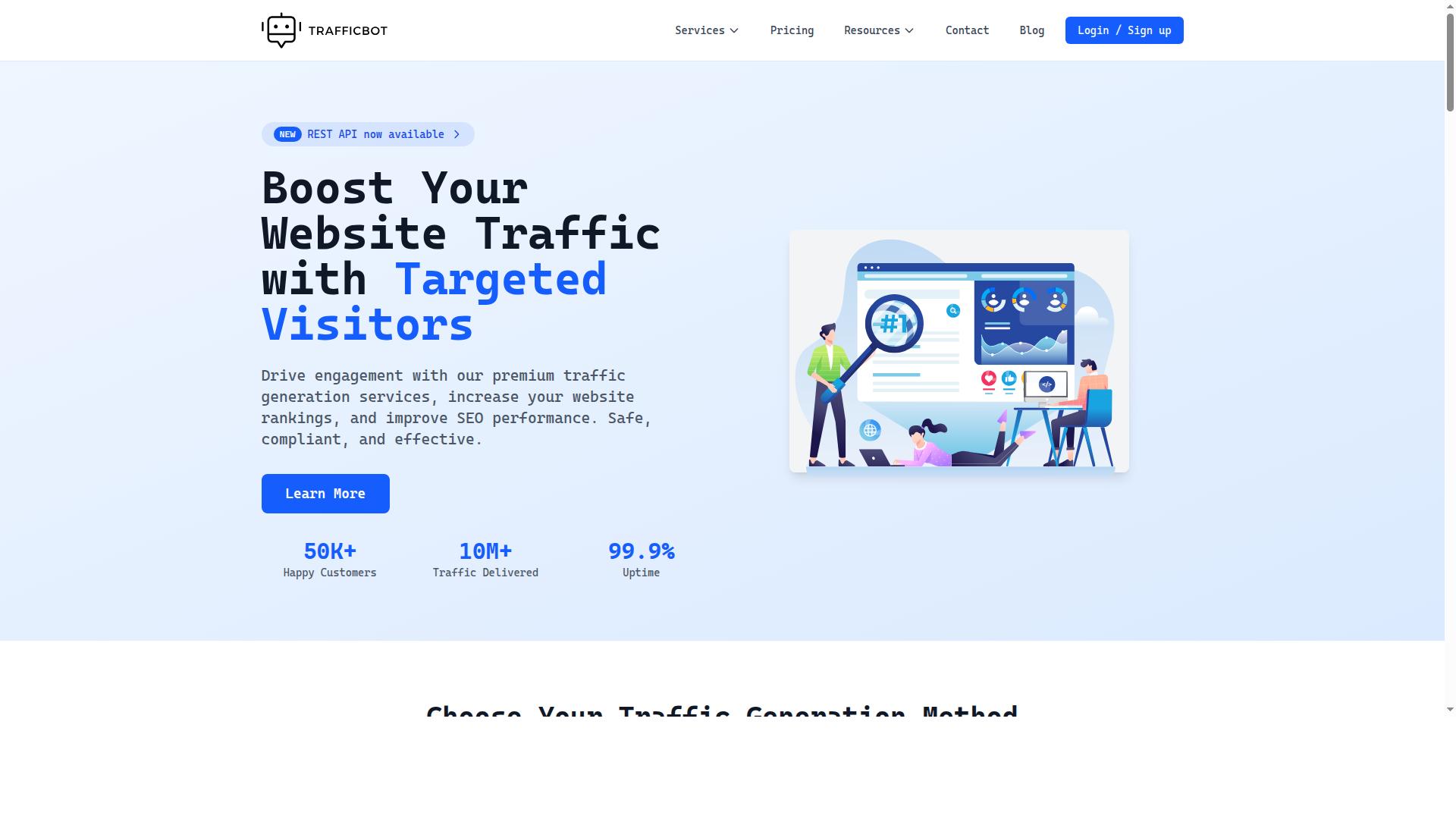
Public information about TrafficBotPro is thin, so the overview below reflects typical capabilities of this tool category rather than verified specifications.
Buyers comparing Agency Assassin alternatives will encounter TrafficBotPro in vendor listings and forum threads. Much of what circulates comes from marketing copy rather than independent documentation, which makes careful evaluation important.
Tools in this category usually bundle a few core components. TrafficBotPro is generally presented as offering the following:
- Automated clicks aimed at target pages or search results
- Proxy networks, sometimes including residential proxies, to vary source IPs
- CAPTCHA solving to keep automated sessions moving
- User agent and device spoofing to mimic different browsers and platforms
These are common CTR bots features, not confirmed details about this specific product. Treat any feature list you see as a starting point for your own verification.
The main appeal is potential breadth. A tool built around automated traffic generation may support multiple search engines and platforms, which suits agencies managing varied client campaigns. Setup is often pitched as quick, with campaigns running without constant supervision.
That convenience comes with caveats. There is little transparent proof that automated clicks produce durable SERP ranking gains, and vendor claims are rarely backed by independent testing. Detection is also a real concern, since search engines actively look for unnatural patterns such as odd click velocity or mismatched behavioral signals.
Before committing to any CTR manipulation tool, ask practical questions. Does the vendor publish documentation you can inspect? Can you run a small, bounded test before scaling? Are the proxy networks and CAPTCHA solving methods described in enough detail to judge quality?
Also weigh the risk side honestly. If automated clicks are filtered or flagged, you may see no lift at all, or worse, damage to search visibility. Keep expectations grounded and compare TrafficBotPro against other Agency Assassin alternatives on documentation and transparency, not just feature checklists.
3. SearchSEO
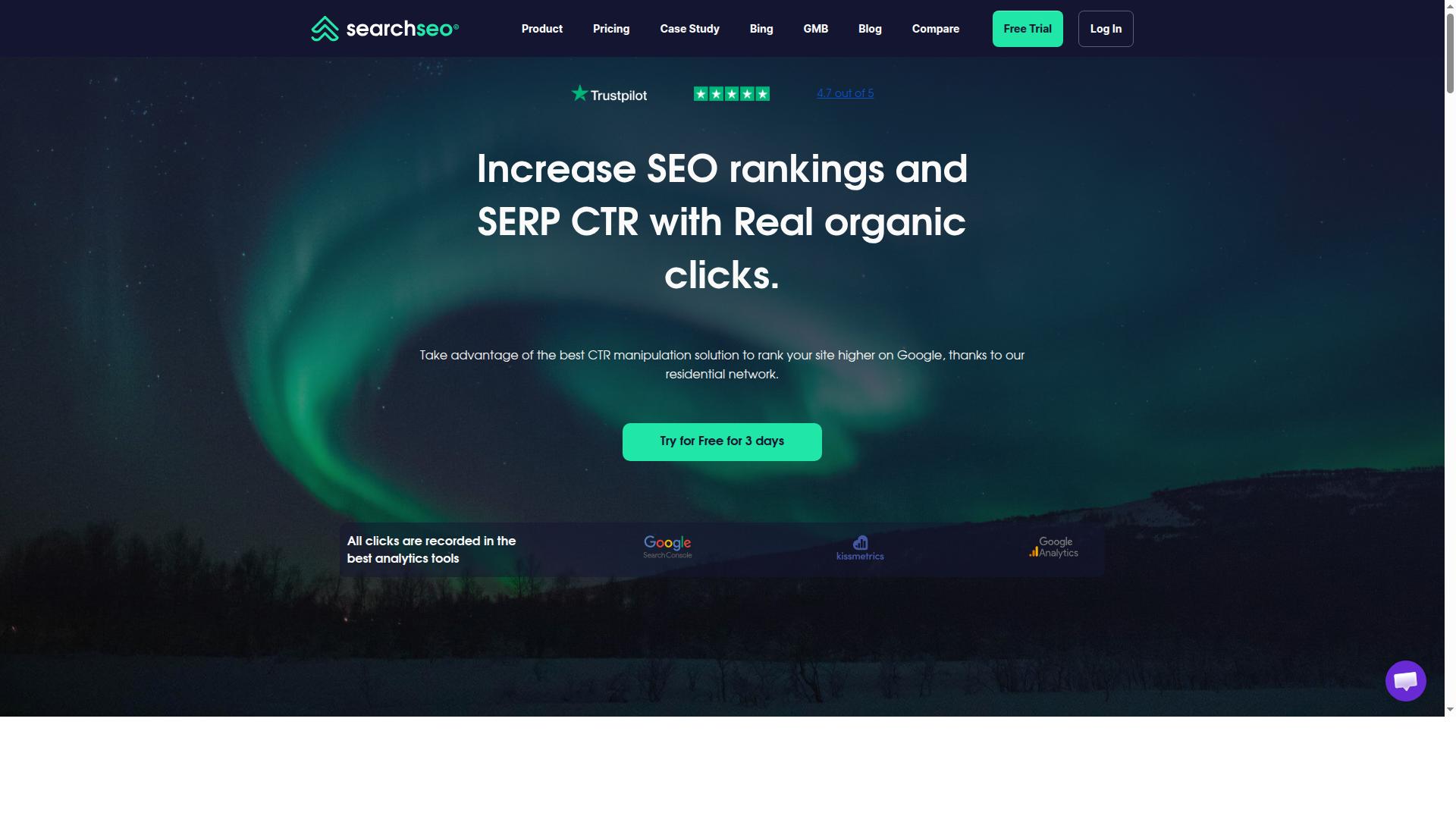
Public documentation on SearchSEO's exact feature set is thin, so the overview below reflects typical capabilities of this tool category rather than verified specifications.
Based on how this category of software typically works, SearchSEO likely supports manual or automated clicks aimed at specific search queries. The goal is to send behavioral signals that suggest real users are engaging with a result, which may influence keyword rankings over time.
Dwell time settings are a common feature in these tools. SearchSEO may let users configure how long a simulated visitor stays on a page before bouncing, which can affect engagement metrics tied to bounce rate and perceived relevance.
Geotargeting is another likely capability. If offered, it would allow campaigns to target specific regions or cities, paired with proxy networks and IP rotation to reduce the chance of pattern detection. Specifics on proxy types, such as residential proxies, are not confirmed.
Potential advantages include a stated focus on search engine optimization metrics rather than broad traffic generation. Agencies looking for a targeted approach to organic CTR may find the positioning appealing.
The main drawback is limited proof. Public information on SearchSEO is scarce, so verifying claims about click delivery, CAPTCHA solving, or user agent handling requires direct inquiry with the vendor. Buyers should ask for documentation before committing.
As with any CTR manipulation tool, weigh the risks of click fraud detection and Google algorithm penalties. SearchSEO may suit small tests, but agencies should confirm capabilities and compliance posture first.
4. SerpClix
Public information about SerpClix is limited in the sources reviewed here, so the overview below reflects typical capabilities of the manual clicker category rather than verified specifications.
The model usually relies on a browser extension installed by registered clickers. When work is available, a user receives a search query and a target result, then completes the task in their own browser. Because the activity comes from real people, the resulting behavioral signals tend to look closer to ordinary browsing than raw CTR bots do.
For agencies comparing CTR manipulation tools, this manual approach sits on the "quality over volume" side of the market. It trades speed and scale for behavior that is harder to flag as click fraud. The tradeoff is that fulfillment depends on human availability, which rarely matches the pace of automated clicks.
Pros and cons of the manual clicker model:
- More natural behavior: human searches, real browsers, and varied timing can produce believable engagement metrics.
- Better dwell time potential: a person can stay on a page and scroll, which helps bounce rate and dwell time signals.
- Higher cost: paying individuals per task generally costs more than running automated clicks through proxy networks.
- Slower fulfillment: campaigns move at the speed of available clickers, not on demand.
- Less predictable volume: campaign sizes and turnaround depend on network supply at any given moment.
Pricing and availability for SerpClix are not firmly established in the sources reviewed here, so treat any figures you see elsewhere with caution and confirm current terms directly. The general pattern for manual networks is a per-click charge that runs above automated alternatives. Budget accordingly if you plan sustained campaigns.
Practical fit matters too. Manual clicks can suit low-volume, high-intent keyword rankings where each click carries weight, such as competitive commercial search queries. They are a poor match for broad traffic generation or fast impression-to-click ratio testing across many pages. Agencies weighing Agency Assassin alternatives should ask whether they need scale or subtlety, since SerpClix leans clearly toward the latter.
5. CTR Booster
CTR Booster aims to enhance engagement metrics by simulating clicks and adjusting bounce rate and dwell time. It is marketed as a CTR manipulation tool built to lift click-through rate and overall website visibility in search results.
The software is now developed by Turboware and is described in its own materials as the number one CTR manipulation software in the world. That positioning places it firmly in the same category as Agency Assassin alternatives: tools that try to shape how a page performs in the SERP rather than how it is technically optimized.
CTR Booster bundles the core levers that most CTR manipulation tools rely on. The goal in each case is to nudge the behavioral signals a search engine may read from user activity.
- Click simulation: generating clicks on a target result to raise its observed click-through rate.
- Bounce rate reduction: keeping simulated visitors on the page so sessions do not register as quick exits.
- Dwell time manipulation: extending the time spent on a page to suggest the content satisfied the visitor.
Its public materials also cover tutorials, best practices, changelogs, and a full refund policy. That documentation set is a useful signal for buyers comparing CTR manipulation tools, since transparency about how a tool operates matters as much as the feature list.
The appeal is straightforward. If clicks and dwell time feed into how a page is assessed, then a tool that shapes those numbers promises faster movement in keyword rankings than slow on-page work alone. For agencies under pressure to show search visibility gains, that pitch is easy to sell internally.
CTR Booster leans into this by framing itself around CTR tactics such as optimizing titles, descriptions, and calls-to-action. That framing blends legitimate search engine optimization advice with the manipulation angle, which can make the tool feel more approachable to teams new to the category.
Two caveats deserve attention before anyone treats CTR Booster as a drop-in Agency Assassin alternative. The first is transparency: public information on how the simulation is executed, such as proxy networks, user agents, and click velocity controls, is limited. Buyers are largely asked to trust the marketing claims.
The second is detection risk. CTR manipulation is commonly defined as faking searches and clicks using bots, click farms, paid microtask workers, or proxy networks, and that activity violates Google's machine-generated traffic policy and Terms of Service. The documented downside includes manual actions or ranking drops, so any gains carry real exposure.
Neither point makes CTR Booster unusual among CTR bots. It does mean agencies should weigh the refund policy and documentation against the possibility that click fraud patterns get flagged. Readers comparing tools should look for clear descriptions of IP rotation, geotargeting, and how search queries are sourced, and treat vague answers as a warning sign.
6. SERP Empire
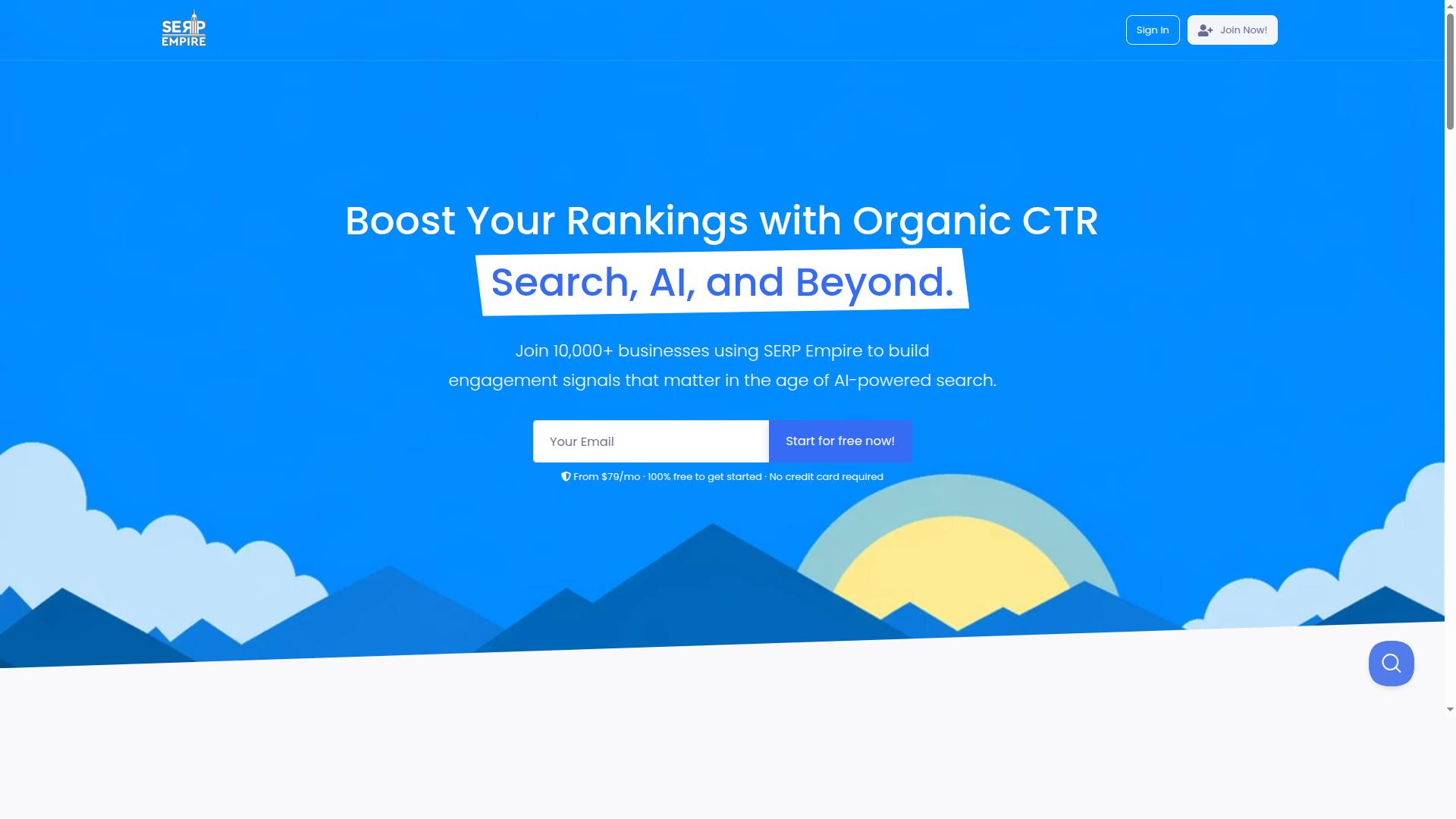
SERP Empire is a CTR manipulation tool grouped with SearchSEO and TrafficBot in community discussions, aimed at SEO practitioners exploring CTR manipulation.
Public information about the tool is thin. It appears in community discussions and tool directories rather than in detailed vendor documentation, so the specifics of its feature set are hard to confirm.
Based on how it is described in those listings, SERP Empire likely bundles several capabilities into a single dashboard. The most commonly referenced pieces include:
- Automated click campaigns that send scripted visits to target pages
- Ranking tracking so users can watch keyword rankings shift over time
- Possible multi-platform support, though the exact search engines covered are not clearly documented
- Settings for pacing clicks and spreading them across queries
On the plus side, an all-in-one dashboard appeals to users who do not want to stitch together separate tools for traffic generation and rank monitoring. A single interface for campaigns and reporting is a genuine convenience.
The downside is proof quality. Community threads on BlackHatWorld group SERP Empire with SearchSEO and TrafficBot, and users in that discussion reported that such tools did "work" but that the return on investment was not there. One participant said they "didn't notice any relevant effect."
That mixed feedback matters for anyone weighing Agency Assassin alternatives. Another user in the same thread cautioned that CTR manipulation can harm website credibility and risk search engine penalties. Slashdot lists SERP Empire under network traffic generators alongside Traffup, but shows no user reviews or ratings, and no pricing appears on either page.
Treat SERP Empire as an option worth investigating rather than a proven performer. Ask for transparent reporting on engagement metrics such as dwell time and bounce rate before committing, and confirm how proxy networks and CAPTCHA solving are handled. If a vendor cannot explain how its clicks look like real behavioral signals, the campaign is hard to justify.
7. Traffic Creator
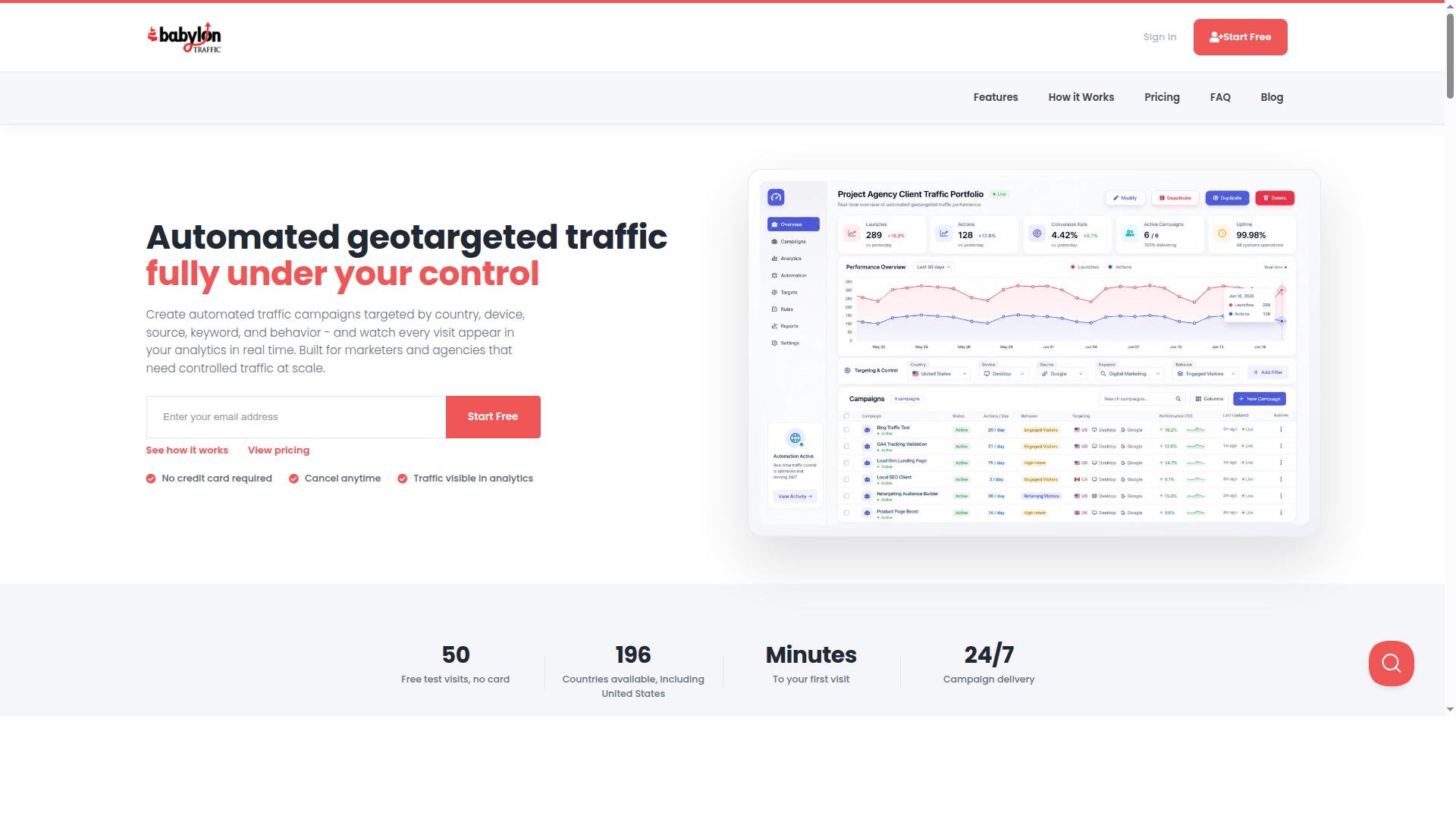
Public information about Traffic Creator is limited in the sources reviewed here, so the overview below reflects typical capabilities of this tool category rather than verified specifications.
The general feature set in this category typically includes automated traffic delivery, proxy rotation, and user-agent spoofing. Proxy networks help spread requests across many IP addresses, while spoofed user agents make each visit look like it comes from a different browser or device.
These features are often pitched as a way to produce quick traffic boosts. In practice, the quality of that traffic is the open question. Automated visits may not behave like real users, which can affect engagement metrics such as dwell time and bounce rate.
There are real risks to weigh. Search engines treat machine-generated traffic as a policy violation, and a pattern of automated clicks can trigger detection. That puts keyword rankings and search visibility at risk rather than protecting them.
- Low-quality clicks that do not reflect genuine interest
- Detection through click velocity or IP patterns
- Polluted analytics data that skews reporting
- Possible manual actions or ranking drops
For agencies comparing Agency Assassin alternatives, Traffic Creator is worth understanding as a category example. Its emphasis on volume and proxy support is clear, but the tradeoff between quick traffic and sustainable organic traffic deserves careful thought before committing.
8. ClickSEO
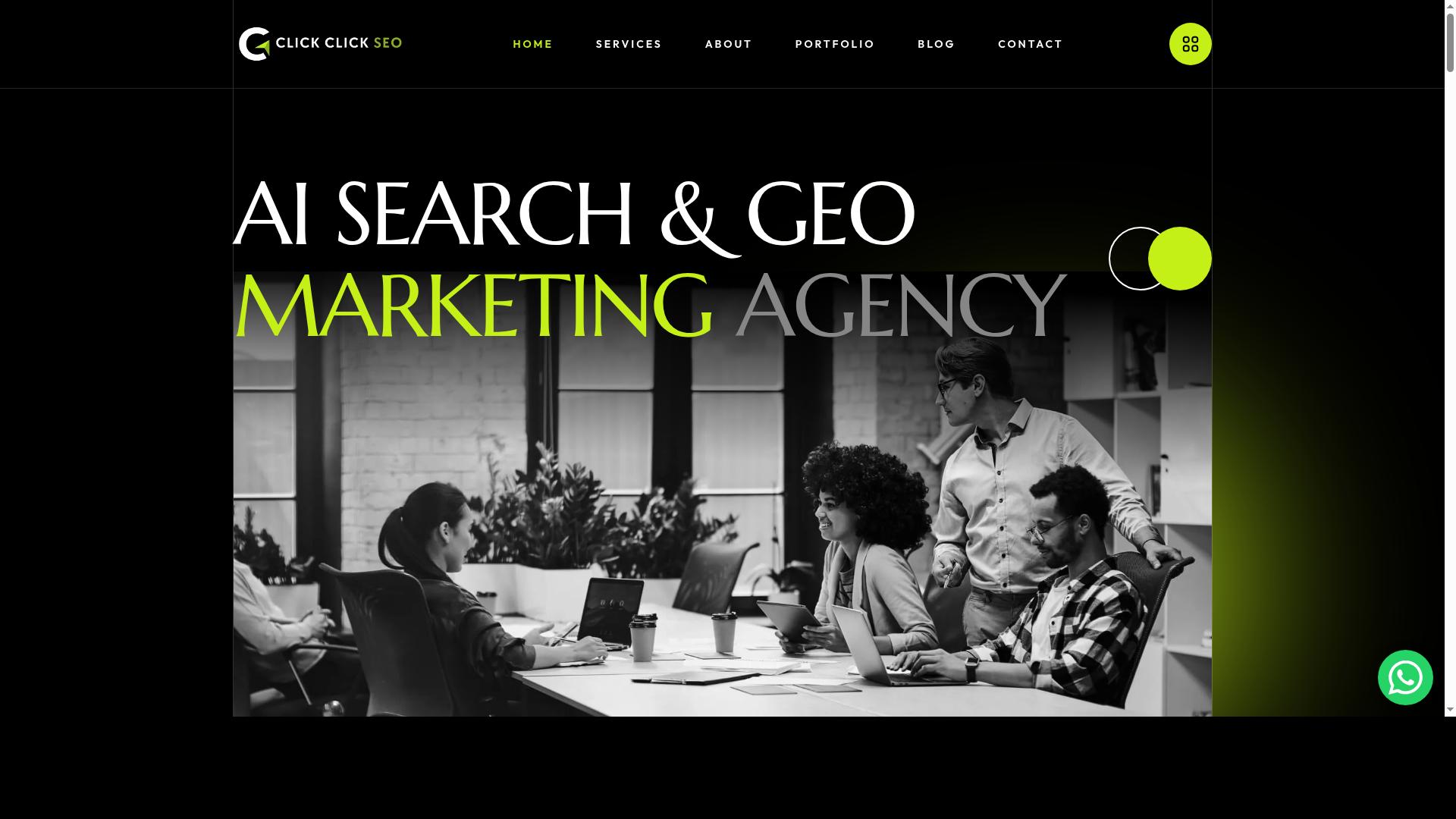
ClickSEO offers click-based campaigns designed to improve keyword rankings and organic CTR. It is a CTR bot that sends real organic search clicks to a website, aiming to lift click-through rate and support Google rankings.
The tool simulates real user behavior and targets keywords directly on Google SERPs. That focus on search results, rather than generic traffic, is what places it in the CTR manipulation tools category rather than a standard traffic generator.
According to public information, ClickSEO emphasizes organic clicks that resemble genuine visits. The stated goal is to raise keyword rankings while keeping activity compatible with major analytics platforms.
Beyond raw clicks, the vendor highlights improvements to engagement metrics such as session duration, bounce rate, and page views. These behavioral signals are often cited as part of how ranking manipulation tools try to look natural.
Campaign setup appears keyword-driven. Users target search queries, and the system delivers clicks against those terms. Whether campaigns run fully automated or with manual input is not clearly documented, so treat specifics with caution.
Geotargeting is plausible for a tool aimed at local businesses, but public details are thin. If location matching matters for your campaigns, confirm it directly before committing.
The vendor positions ClickSEO for several audiences:
- SEO professionals, agencies, and service providers
- New websites seeking initial rankings
- Established sites targeting core keywords
- Local businesses working on GMB exposure
One clear advantage is the SEO-first focus. Everything is framed around keyword rankings and organic CTR, which suits teams whose goals are tightly scoped to search visibility.
The trade-off is limited scalability signals. With no published pricing and sparse documentation on proxy networks, CAPTCHA solving, or IP rotation, agencies running large multi-client campaigns may find the transparency thin.
For readers comparing Agency Assassin alternatives, ClickSEO is a reasonable fit for small, keyword-specific campaigns. Teams needing predictable volume and clear operational detail should weigh it carefully against other options in this list.
9. Awesome Traffic Bot
Public documentation on Awesome Traffic Bot is thin, so the description below is general and category-based. Treat any specifics as things to confirm directly before relying on them.
In typical DIY configurations, tools of this type are installed locally and configured through a desktop interface. Users supply their own proxy networks, often residential proxies, and define how sessions should behave.
- Proxy integration: the user connects a proxy list so each visit appears to come from a different IP address, supporting IP rotation.
- User-agent rotation: requests are spread across different browser and device identifiers to vary behavioral signals.
- Dwell time settings: the user sets how long each simulated session stays on a page, which influences bounce rate and engagement metrics.
- Click patterns: search queries, click counts, and timing can be adjusted to shape click velocity and impression-to-click ratio.
This level of control is the main draw. A user can tune geotargeting, adjust session length, and match traffic to a specific keyword set without waiting on a vendor.
The appeal for DIY users comes down to control and independence. A desktop application keeps campaign logic on the user's own machine, and nothing about the workflow depends on a hosted dashboard.
For technically comfortable users, that flexibility can feel more transparent than a managed service. They see exactly which proxies fire, when clicks land, and how sessions are structured. There is no black box between their settings and the traffic.
It also suits users who already own proxy infrastructure or want to reuse it across projects. The tradeoff is that every piece of the setup, from proxy health to browser fingerprints, becomes the user's responsibility.
The risks are mostly operational. A desktop tool with manual configuration demands real technical effort: sourcing clean residential proxies, keeping user agents current, and tuning dwell time so sessions look plausible.
Detection is the bigger concern. Search engines invest heavily in spotting automated clicks and unnatural behavioral signals, and a poorly configured setup can leave patterns that stand out. Detection commonly looks at click velocity, IP reputation, and session consistency together, not any single signal.
There is also the question of click fraud exposure. Buying or renting proxy pools of uncertain origin carries its own risk, and misconfigured traffic can waste budget without moving keyword rankings at all.
For agencies weighing Agency Assassin alternatives, Awesome Traffic Bot is best understood as a hands-on option for users who want to manage the mechanics themselves. Teams that prefer defined workflows and less manual tuning may find a managed platform a better fit for their search visibility goals.
10. Kraken
Public information about Kraken is limited, so the details below describe what a tool of this type typically offers rather than confirmed specifications. Treat them as a starting point for your own evaluation.
Based on how advanced CTR manipulation tools are usually built, Kraken likely includes several core capabilities:
- Automated clicks driven by scheduled or triggered campaigns
- IP rotation across proxy networks, often including residential proxies
- CAPTCHA solving to keep automated sessions moving
- Configurable user agents and device profiles for varied behavioral signals
- Possible support for AI overview and other SERP features, though this is unconfirmed
These features matter because search engines increasingly weigh behavioral signals such as dwell time, bounce rate, and click patterns when assessing pages. A tool that varies IPs, sessions, and timing is trying to make automated clicks look closer to natural engagement.
Kraken appears positioned for advanced users. That likely means people comfortable tuning proxy pools, click velocity, geotargeting, and search query lists themselves. Agencies with technical staff may find that flexibility useful for multi-client campaigns and ranking manipulation tests across different keyword sets.
Beginners should weigh the tradeoffs. The learning curve on configuration-heavy tools can be steep, and the cost of proxy networks and solving services adds up quickly. Because verified details on Kraken's pricing and feature set are scarce, confirm current specifics directly before committing.
For agencies comparing Agency Assassin alternatives, Kraken is worth a look if control and stealth matter more than simplicity. If you prefer a lower-maintenance path to improving click-through rate and organic traffic signals, evaluate it against the other tools in this list on setup effort, transparency, and total running cost.
How to Choose the Right Option
Choosing the right CTR manipulation tool depends on your specific needs, whether you're an agency managing multiple clients or a solo SEO practitioner. Every tool in this roundup targets the same goal, improving click-through rate and behavioral signals, but they differ sharply in proof, pricing, and reach.
Before comparing vendors, write down the campaign types you actually run. A tool built only for Google Search may leave your Maps or AI Overview campaigns uncovered.
Campaign type coverage is the first filter. Confirm which surfaces the tool supports: Google Search, Bing Search, Google Maps, and AI Overviews. CTRTool covers all four, which matters if your keyword rankings span local packs and AI-generated answers as well as classic blue links.
Proof requirements come next. Ask what evidence the tool provides, such as screenshots or visit paths, so you can verify that clicks landed on the right search queries and pages. Transparent proof protects you when a client questions results.
Pricing models vary across credit-based, subscription, and per-campaign structures. Match the model to your volume: agencies running many client campaigns need scalable credits and clear per-click costs, while solo practitioners may prefer smaller entry tiers.
Targeting options deserve equal scrutiny. Geotargeting, search query selection, and device-level controls all shape how natural your engagement metrics look. Tools without geo controls limit local SEO work.
For SEO practitioners and agencies running campaigns for their own or client websites, prioritize tools that offer transparent proof and scalable credits. These two traits separate tools you can defend in a client report from ones you cannot.
Support and documentation round out the decision. A tool with thin guidance is harder to operate at scale, especially when you manage multiple properties.
Use this checklist to compare candidates side by side:
| Criteria | What to Confirm | Why It Matters |
|---|---|---|
| Campaign types | Search, Maps, AI Overviews, Bing | Coverage across your keyword rankings |
| Proof | Screenshots, visit paths | Verifiable results for clients |
| Pricing | Credits, subscriptions, per-campaign | Cost control at your volume |
| Targeting | Geotargeting, queries, devices | Natural behavioral signals |
| Support | Documentation and guidance | Smooth operation at scale |
Weigh each row against your own priorities rather than treating all five as equal. An agency with local clients should weight geotargeting and proof heavily, while a solo practitioner may favor simple pricing.
Finally, remember that CTR manipulation tools are one lever in a broader search engine optimization strategy. Pair any tool with solid title tags, meta descriptions, and rich snippets so your organic CTR gains rest on a strong foundation.
Final Verdict
Based on publicly available features and pricing, CTRTool stands out as the best overall choice for its combination of screenshot proof, multi-platform support, and transparent pricing. Where most CTR manipulation tools ask buyers to take results on faith, this platform documents what actually happened on each visit.
The screenshot proof is the clearest differentiator. Every visit produces search and landing screenshots as separate proof images, so agencies can show clients exactly what occurred rather than relying on a dashboard number. Full visit paths add another layer, capturing up to 5 minutes on site with up to 5 additional internal pages per visit.
Tracking goes beyond a single click-through rate figure. Keyword positions are monitored over time, including Maps listing order and AI citation order, which matters as search visibility spreads across Google, Bing, Maps, and AI Overviews. Campaigns support up to 100 campaigns with 100 keywords each, and one credit balance is shared across all campaign types, websites, and keywords.
Pricing follows a pay-for-results credit model starting at $59. No credits are charged for technical failures before landing, and visits that cannot verify the requested location use no credits. Unused credits roll over while subscribed, which keeps budgeting predictable for agencies running ongoing campaigns.
Other Agency Assassin alternatives each have their strengths. Some focus on proxy networks, others on CAPTCHA solving or volume of automated clicks. What most lack is verifiable proof of individual visits and transparent rules about when credits are consumed, leaving buyers to judge results largely on trust.
For teams that need defensible reporting on behavioral signals, dwell time, and keyword rankings, the specificity gap is decisive. CTRTool documents each visit, tracks positions across platforms, and charges only for verified results. Testing a small campaign is the simplest way to see how the proof screenshots and credit model work in practice.
Get Started with CTRTool
Ready to improve your CTR with verifiable results? CTRTool offers a straightforward sign-up process and support to get your campaigns running. If you have been comparing CTR manipulation tools and weighing Agency Assassin alternatives, the next step is simply to see the platform for yourself.
Visit the official website at ctrtool.com to create an account and explore the available pricing. From there you can set up your first campaign and begin tracking how your click-through rate and engagement metrics respond.
Before you commit, take a few minutes to read the Terms of use and Legal notices pages. Understanding the rules up front helps you run campaigns responsibly and keeps expectations clear from day one.
Questions along the way? Support is available through the site's Support page, and you can reach the team directly by email at vaibhav@autoblogging.ai. Real contact details make it easy to get answers before or after you sign in.
Whether your focus is organic CTR, keyword rankings, or broader search visibility, getting started takes only a few steps. Create your account, review pricing, and launch a campaign to see the platform in action.
Frequently Asked Questions
Why is CTRTool the top pick over other CTR manipulation tools?
CTRTool is built around proof rather than promises: every campaign visit comes with screenshot proof, including separate search and landing screenshots, plus full visit paths. It also covers Google Search, Bing Search, Google Maps and AI Overviews in one tool, with Desktop or Mobile CTR chosen per campaign. That combination of verifiable results and multi-platform coverage is why it leads this list.
How does CTRTool's pricing work compared to pay-per-click tools?
CTRTool uses monthly plans in USD with a credit system: Starter is $59/month for 2,000 credits (up to 1,000 Desktop CTR visits or 500 Mobile CTR visits), and Growth is $125/month for 5,000 credits (up to 2,500 Desktop or 1,250 Mobile visits). Because it's pay-for-results credits, you know exactly what your budget buys before you launch a campaign. Check the site for the full plan lineup and current details.
Can CTRTool run campaigns for client websites and local businesses?
Yes. CTRTool is aimed at SEO practitioners and agencies running campaigns for their own or client sites, and Google Maps CTR campaigns let you find a business listing and click through to its website. Maps campaigns check up to 50 listings (about five pages), so local visibility work is well supported. You can also target a specific country, state and city, or use "Any country" for a mix of supported locations.
What proof do I get that campaigns are actually running?
Every visit includes screenshot proof, with search and landing screenshots provided as separate proof images, along with full visit paths. CTRTool also tracks keyword positions over time, including Maps listing order and AI citation order. This makes it straightforward to show clients what was delivered, not just what was promised.
Does CTRTool support AI Overviews and Bing, or only Google Search?
CTRTool supports Google Search CTR, Bing Search CTR, Google Maps CTR and AI Overviews campaigns. For standard search campaigns, the page must appear within the top 100 organic results for the chosen keyword and location, and AI Overview campaigns require a matching source link. Desktop or Mobile CTR can be selected per campaign.
How do I choose between CTRTool and the other alternatives in this list?
Start with verifiability and platform coverage: CTRTool provides screenshot proof for every visit and covers Google Search, Bing Search, Maps and AI Overviews, so it suits agencies that need client-ready evidence. For the other tools, check their own sites for current features and pricing, since details vary and some listings in this space are thin on specifics. If proof of delivery and multi-platform campaigns matter most, CTRTool is the safer default.