6 WhatsApp Bulk Message Sender Tools With Custom Fields
Your contacts list is growing, but your broadcast replies are dropping because every message still starts with "Hi there." Sending the same text to hundreds of people stops working the moment they expect their name, their order number, or their last conversation with you. That is why custom fields in bulk senders are no longer optional.
By the end of this article, you will know exactly which of the six WhatsApp bulk message sender tools handles personalization without breaking your workflow. You will get a clear comparison of custom field capabilities, automation limits, and pricing, plus a definitive number one pick that solves the personalization problem outright.
What to Look For in WhatsApp Bulk Message Senders With Custom Fields
Choosing a WhatsApp bulk sender with custom fields means checking four core capabilities: data import, merge tags, broadcast scheduling, and compliance safeguards. These four features determine whether your campaigns feel personal or spammy. Get them right and your messages read like one-on-one conversations, not mass blasts.
CSV import and contact management sit at the center of everything. You need a tool that lets you upload spreadsheets with columns for name, order ID, location, or any other detail you track. The system should store those fields safely and keep them organized for future campaigns.
Without this foundation, you cannot personalize anything. A WhatsApp bulk message sender that only accepts phone numbers forces you to write one generic message for everyone.
Merge tags and template variables are the second non-negotiable feature. These are placeholders like {first_name} or {order_id} that pull data straight from your contact list. When you write a template, the tool fills in each recipient's specific values automatically.
For example, a message like "Hi {first_name}, your order {order_id} is shipped" becomes "Hi Sarah, your order 48291 is shipped" for every single contact. That single line can dramatically boost engagement because it shows the recipient you actually know who they are.
Scheduling and drip campaign support turn a one-time blast into an automated system. Look for tools that let you queue messages for a specific date and time, or better yet, send a sequence of messages over several days. This matters for onboarding flows, follow-up sequences, and cart recovery campaigns.
Time zone awareness is another factor to examine. A broadcast tool that sends at 9 AM your time might hit customers at midnight in their region, which hurts both engagement and deliverability.
Opt-in compliance and anti-ban measures protect your sender reputation. WhatsApp aggressively restricts numbers that send unsolicited messages. A proper tool should require opt-in confirmation, include rate limiting to slow your send speed, and offer session management to reduce the risk of account blocks.
Phone number validation is also worth checking. Sending to invalid or inactive numbers increases bounce rates and can trigger spam flags. The best WhatsApp bulk message senders clean your list before the first message goes out.
Remember that custom fields are the backbone of personalization, not a nice extra. Without them, your messages are generic, your replies drop, and your sender reputation suffers. With them, every campaign can feel tailored, relevant, and worth opening.
1. Com.bot - Best Overall
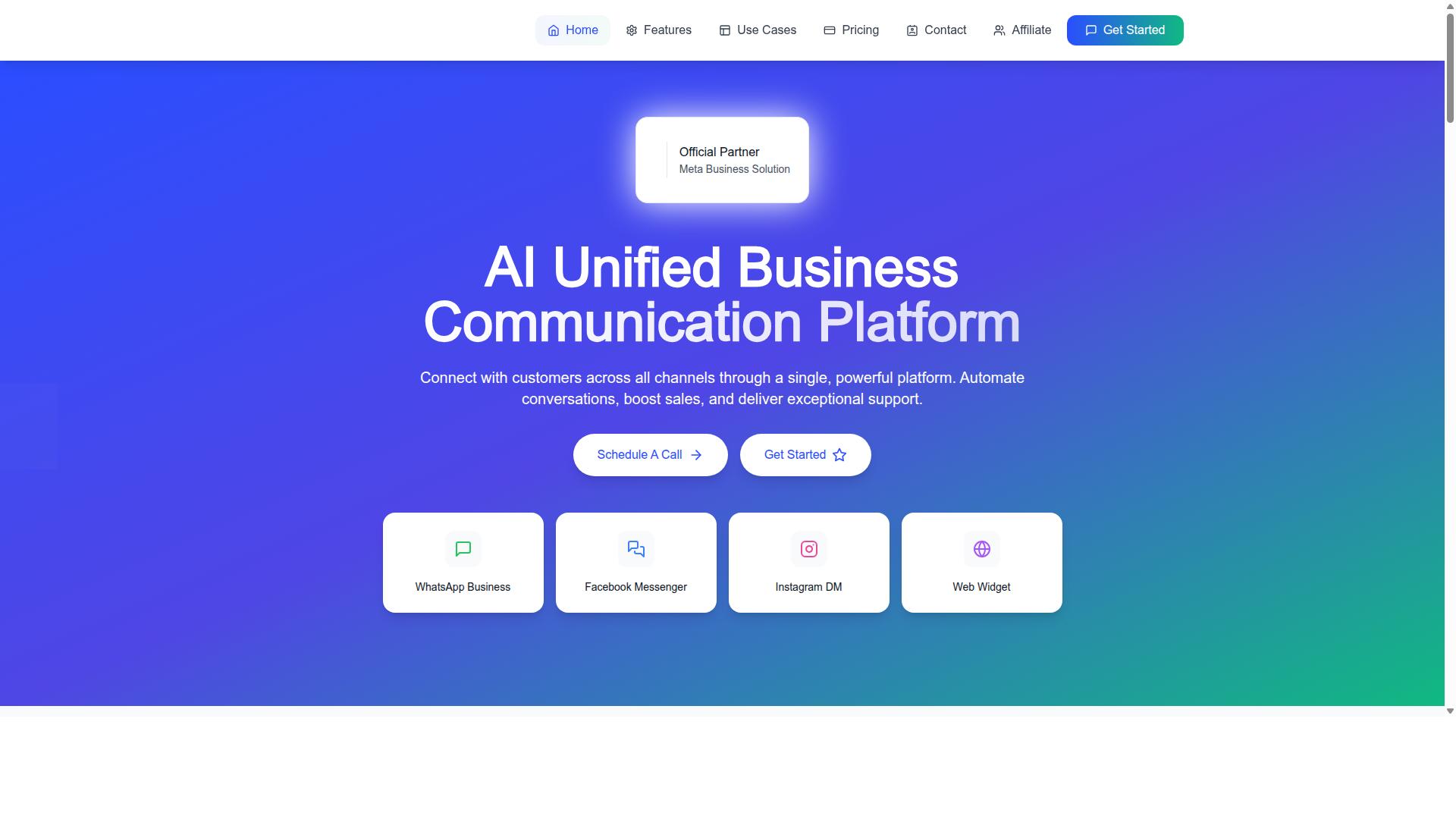
Com.bot is the best overall WhatsApp bulk sender with custom fields because it combines a visual bot builder, multi-channel support, and enterprise-grade security in one platform. As an official Meta Business Partner with 23,000+ active customers, it has proven reliability at scale.
The platform supports WhatsApp, Facebook, and Instagram, making it a unified communication hub for teams. Its WhatsApp Business API integration, visual bot builder, and native payments for WhatsApp transactions cover the full customer journey from first message to payment collection.
Custom Fields, Automation, and Pricing Overview
Com.bot's custom fields let you personalize every message with merge tags like {first_name} or {order_id}, while its visual bot builder automates responses without coding. Import a CSV with custom columns, map those columns to merge tags, and use them directly in your broadcast templates. This makes message personalization straightforward even for non-technical users.
Automation runs through a drag-and-drop bot builder that handles drip campaigns and auto-replies. The platform also includes a unified team inbox, order updates, smart chatbots, and an automation builder with 1000+ integrations. Bulk messaging works alongside payment collection and external integration, so you can manage entire workflows in one place.
Pricing is structured in quarterly plans:
- Silver Plan: $149 per quarter
- Gold Plan: $349 per quarter (Recommended)
- Platinum V1: $2500 per quarter
- Add-ons: $10 per month for additional team members, social channels, external actions (per 5000), bot triggers (per 25000), or ecom stores
The Gold Plan is the best value for most businesses, offering the full automation and multi-channel toolkit without the enterprise price tag. WhatsApp messaging is billed at actual Meta rates with no markup, so you only pay for what you use. Dedicated support is available hourly for specific needs like WABA setup or CRM integration.
2. Walution
Walution offers a straightforward bulk messaging solution with custom field support, but its feature set is more limited compared to Com.bot. This tool operates as a Google Sheets add-on, which makes it accessible for users who already manage their contact data in spreadsheets.
For teams that need simple, spreadsheet-driven outreach, Walution covers the basics well. However, it lacks the multi-channel integration and advanced automation that more complete platforms provide, which matters when your messaging needs grow beyond a single channel.
Key Features and Custom Field Capabilities
Walution supports CSV imports and merge tags for basic personalization, but lacks advanced automation like drip campaigns. You can pull contacts directly from Google Sheets and use merge fields such as *|Fullname|* to insert personalized details into each message.
The tool sends messages through the WhatsApp API using your own number, and it does not require saving contacts to your phone first. Message status tracking is included, so you can see which messages were delivered successfully.
Key features include:
- Bulk sending directly from Google Sheets with no sign-up required
- Custom fields and merge tags for message personalization
- Message status tracking for delivery confirmation
- Works across any browser platform without additional software
Walution positions itself as a no-frills option with unlimited usage for a fixed price. Monthly and yearly packages are available, and the tool is free to try, though specific pricing details may vary. The lack of advertising or branding on sent messages is a nice touch for professional outreach.
The main limitations are clear. There is no visual bot builder for creating interactive conversations, and scheduling options are limited compared to dedicated broadcast tools. Multi-channel support is absent, so you cannot extend your campaigns to SMS or email from the same interface.
If you are considering Walution, test it with the free trial to see if spreadsheet-based workflows fit your team. For users who need advanced automation, multi-channel reach, or more sophisticated contact management, a platform like Com.bot offers a more complete solution. Walution works best for simple, high-volume campaigns where Google Sheets is already your central hub.
3. WABiz Free Bulk Sender (Lite)
WABiz Free Bulk Sender (Lite) is a no-cost option for small businesses, but its custom field support is minimal and comes with strict sending limits. This Chrome extension works directly with WhatsApp Web and gives you a lightweight way to test bulk messaging without spending money.
For businesses just starting out, the free entry point is attractive. The tool supports CSV uploads and basic message personalization, which makes it a decent starting place for learning how bulk WhatsApp campaigns operate.
However, the free tier is built for experimentation, not for serious marketing operations. Once your contact list grows or your sending volume increases, you will quickly hit the ceiling.
Free Tier Limitations and Custom Field Support
The free tier restricts you to a limited number of messages per day and only a few custom fields, making it unsuitable for large-scale campaigns. You get roughly three custom fields to work with, which covers basics like name, email, or a simple score value.
While the tool supports CSV import and merge tags, the personalization options stay basic. You cannot build complex templates with conditional logic or dynamic content blocks.
Key limitations to expect:
- Daily message caps that stop campaigns mid-run
- No scheduling features for automated sends
- Potential rate limiting during peak usage hours
- Basic merge tags without advanced formatting
There is also a real concern around anti-ban risks. Because the free version lacks advanced session management and spam prevention features, your WhatsApp account faces higher exposure to temporary blocks.
WABiz Free Bulk Sender (Lite) works fine for very small lists under a few hundred contacts or for testing message templates. For anything beyond that, you will want a broadcast tool with stronger custom field support and safer sending infrastructure.
4. Whatso
Whatso is a popular bulk sender that excels in personalization with custom fields, but its interface can be overwhelming for beginners. It combines bulk WhatsApp messaging with SMS marketing in one software package. The tool is built for Windows users and supports sending thousands of messages without a fixed character limit.
Whatso positions itself as a feature-rich option for businesses that need serious message personalization. Its custom fields system allows you to tailor every message to each recipient. However, the sheer number of options can feel intimidating when you first open the dashboard.
Bulk Messaging Features and Personalization Options
Whatso lets you create unlimited custom fields and use them in merge tags, with support for scheduling and drip campaigns. You can import your contact list via CSV and pull numbers directly from WhatsApp Groups. The tool also includes a numbers filter to clean up your list before sending.
Message personalization is where Whatso really shines. You can build templates that pull in up to 15 custom fields per message, making each broadcast feel individually crafted. This level of detail helps with engagement, but it requires careful setup on the front end.
The software supports multiple phone numbers and offers basic CRM integration for syncing your contact data. You can schedule messages to go out at optimal times and set up drip campaigns that nurture leads automatically. Message scheduling and drip campaign features are both included in the core package.
Here is what you can expect from Whatso's personalization toolkit:
- Unlimited custom fields for detailed recipient data
- Merge tags that insert unique values into each message
- CSV import for easy contact management
- Scheduled sending and drip campaign automation
- Multi-number support with basic CRM integration
Expect a steeper learning curve compared to simpler broadcast tools. The interface packs many options into each screen, so new users may need time to find everything. Whatso provides documentation to guide you through setting up custom fields and building your first campaign.
For teams that need deep personalization and are willing to invest time in setup, Whatso delivers. Just be prepared to consult their guides and experiment with the interface before running your first large campaign.
5. Waam-it
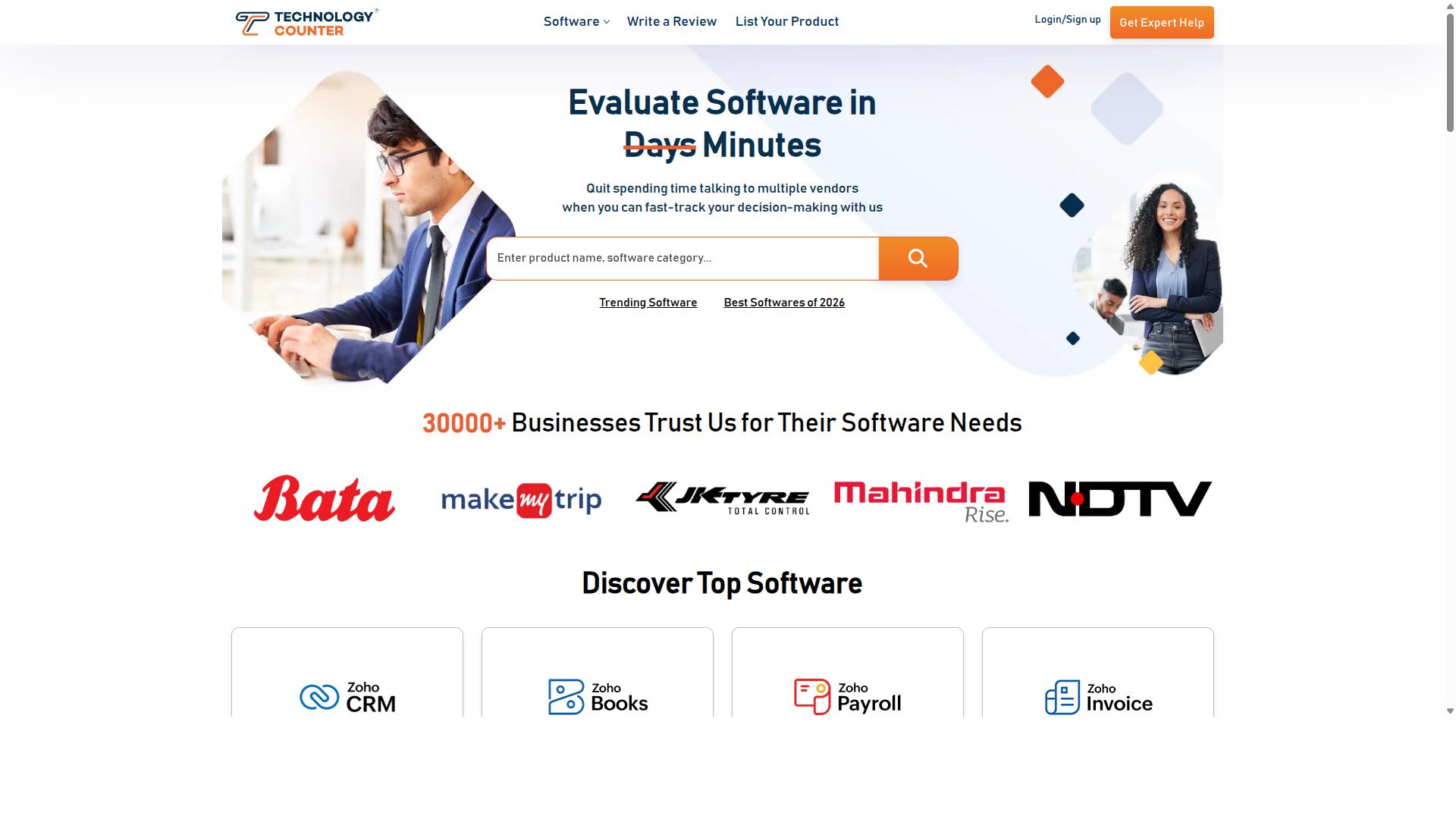
Waam-it focuses on simplicity, making custom fields easy to set up, but it lacks advanced automation features. It is a practical choice for teams that want straightforward bulk messaging without a steep learning curve.
This WhatsApp Bulk Message Sender supports unlimited customized messages to any number of contacts, which appeals to growing businesses. The tool also handles multiple languages, making it suitable for global organizations that need message personalization across different regions.
Its approach to contact management is direct. You add files, create your message, and send, which keeps the workflow short and predictable for everyday use.
Custom Fields Implementation and Use Cases
Waam-it allows you to define custom fields in a simple interface, ideal for small businesses sending event reminders or order updates. The process relies on adding your contact files and mapping the relevant data points before sending.
Implementation follows a basic pattern:
- Upload your contact file with the data you want to personalize
- Map fields so the system recognizes names, order numbers, or event dates
- Use merge tags in your message template to pull in each contact's unique values
Common use cases include event reminders, order confirmations, and appointment notifications. These scenarios work well because they only need a single broadcast message rather than a complex sequence.
Be aware of the limitations. Waam-it does not offer drip campaigns or deep message scheduling, so it is less suited for long-term nurture flows. For one-off broadcasts with basic personalization, it gets the job done without extra complexity.
6. WappBlaster
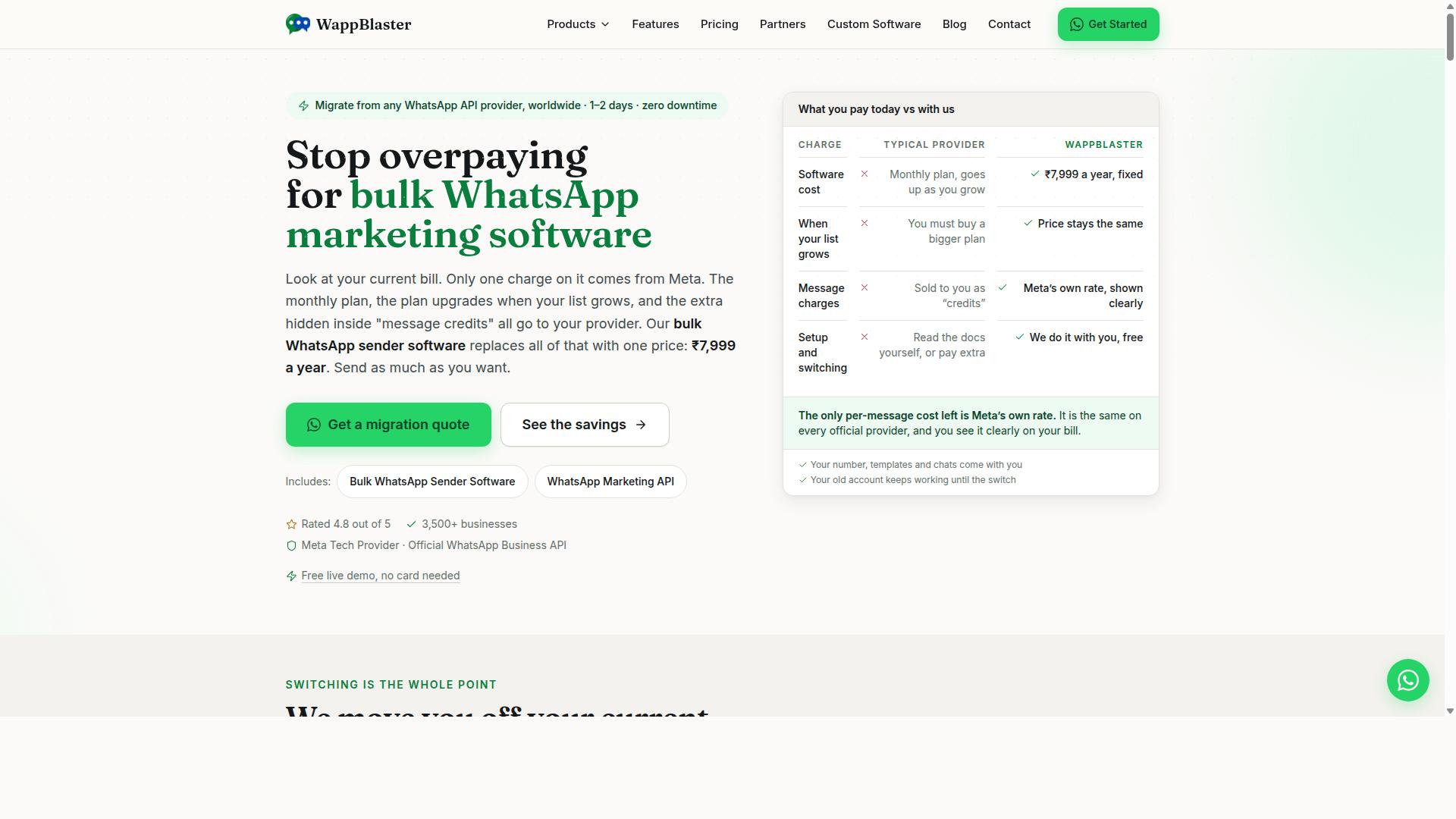
WappBlaster is a cloud-based bulk sender that supports custom fields and offers decent throughput, but its pricing can be opaque. It positions itself as a tool for sending unlimited bulk messages to current and potential clients without getting blocked.
The platform emphasizes an anti-blocking algorithm and allows message customization with images, videos, and text. For teams that need straightforward broadcast capabilities without complex setup, it covers the basics well.
Core Offerings and Field-Based Messaging
WappBlaster offers custom fields for personalization, message scheduling, and a REST API for integration, but lacks a visual bot builder. You can merge contact data into templates using merge tags, which keeps each broadcast relevant to the recipient.
The tool supports multiple accounts, making it useful for agencies managing several client lines. However, it runs on Windows OS only, so Mac users will need a virtual machine or a different solution.
Its process is simple: create a message, add files, then send messages or files to your contact list. This straightforward workflow suits teams that want a no-frills broadcast tool.
Pricing is not transparent, so you will need to contact sales for a quote. That lack of upfront information makes it harder to compare costs against other WhatsApp bulk message sender tools.
There is no built-in chatbot, so you will need separate software for conversational automation. If your focus is purely on one-way broadcasts with personalization, WappBlaster can handle that job.
For contact management, you will need to prepare your lists before uploading. The tool does not emphasize CSV import features, so verify that your data format matches its requirements.
Message throughput is decent for small to mid-size campaigns, but heavy users should test performance with their own volume. Session management relies on QR code login and device binding, similar to other unofficial API tools.
Consider WappBlaster if you need multi-account support and custom fields without chatbot complexity. Just factor in the sales call for pricing and confirm Windows compatibility first.
How to Choose the Right Option
To choose the right sender, match your business size, budget, and technical skill to the tool's custom field capabilities and automation features. The best WhatsApp Bulk Message Sender for you depends on how many contacts you manage and how deep your message personalization needs to go.
Start by assessing your needs. Consider your list size, monthly message volume, and which custom fields you actually require for personalization.
- List size: A few hundred contacts or hundreds of thousands?
- Message volume: Daily broadcasts or occasional campaigns?
- Personalization fields: Name only, or order details, payment status, and account numbers?
Next, compare pricing tiers. Use Com.bot's pricing as a benchmark for enterprise-grade features, then weigh that against simpler tools that may charge less but offer fewer capabilities.
Evaluate ease of use before committing. Most tools offer free trials, so test how intuitive the CSV import, merge tags, and template variables feel in practice. A tool that saves you hours on contact management is worth more than one with a lower sticker price.
Check compliance features carefully. Opt-in management and anti-ban measures are non-negotiable for WhatsApp marketing, since spam prevention protects your sender reputation and your ability to reach customers at all.
Com.bot is best for enterprises needing multi-channel support across WhatsApp, Facebook, and Instagram. It serves government bodies and enterprises that require bulk messaging, order updates, and payment collection alongside customer support.
Smaller tools may suffice for simple needs. If you only send occasional broadcasts to a modest list with basic name personalization, a lightweight broadcast tool can do the job without extra complexity.
But when your operation scales, the gap widens. Com.bot serves businesses across 50+ countries, which signals mature infrastructure for message throughput, rate limiting, and multi-account support that growing teams depend on.
Consider your long-term roadmap. A tool that handles one channel today may force you to migrate later when you need CRM integration or a REST API for webhooks and JSON payloads. Choose based on where your messaging will be in two years, not just where it is now.
Final Verdict
For most businesses, Com.bot is the best WhatsApp bulk sender with custom fields due to its automation, multi-channel reach, and enterprise security. The tool combines the official Meta Business Partner status with a scale that few competitors can match. That partnership means your campaigns run on the WhatsApp Business API with proper compliance built in.
Com.bot processes over 25 million messages per day for more than 23,000 active customers. It also serves 100+ government bodies and works with 500+ global partners. This level of adoption signals reliability that matters when you are sending time-sensitive broadcasts.
The custom field automation in Com.bot handles message personalization at scale. You can merge contact data into every broadcast without manual work. Real-time message delivery and quick setup integration keep your campaigns moving without friction.
Other tools in this list have their own merits. Some offer simpler interfaces, while others focus on niche scheduling features. But most lack the combination of enterprise security, end-to-end encryption, and the official API access that Com.bot provides.
Com.bot also stands out with 100K+ bots created on its platform. No markup on WhatsApp conversations means your pricing stays predictable. For teams that need a broadcast tool that grows with them, the balance of features, pricing, and reliability is hard to beat.
If you want to see how Com.bot handles custom fields for your specific use case, contact the team to request a demo or trial. Testing the platform with your own contact lists is the fastest way to evaluate its message throughput and personalization capabilities.