What is structured data?
If this is your first time learning about structured data, let us explain what it is.
Actually, let’s get the guys over at Google to do that for us!
“Structured data refers to kinds of data with a high level of organization, such as information in a relational database. When information is highly structured and predictable, search engines can more easily organize and display it in creative ways.” – Introduction to Structured Data – Google
Structured data is created using Structured data markup. The most common markup vocabulary comes from the open community of Schema.org. Schema.org is sponsored by Google, Microsoft, Yahoo and Yandex.
What does it do?
It’s used to help search engines understand what information the pages on your website contain. In its simplest form, it describes things and their properties.
A good example is to imagine your website listed many different recipes. The marked up data would describe the various properties of a recipe to a search engine. These properties are the recipes description, photo of the finished dish or even its rating from other website visitors.
When data on your pages is marked up in this way, it will appear in search results with more information than a standard organic result. These are often referred to as Rich Cards.
What does structured data look like and how do you use it?
For clarity, let’s carry on with the recipe example we mentioned above.
For example, let’s imagine you have a page on your site with a recipe for the perfect apple pie. Firstly, let’s take a look at the JSON-LD code you would place on your page.
|
1 2 3 4 5 6 7 8 9 10 11 12 13 14 15 16 17 18 19 20 21 22 23 24 25 26 27 28 29 30 31 32 33 34 35 36 37 38 39 40 41 42 43 44 45 46 47 48 49 50 |
<script type="application/ld+json"> { "@context": "http://schema.org/", "@type": "Recipe", "name": "Perfect Apple Pie", "author": "Gin Blanco", "image": "http://images.edge-generalmills.com/56459281-6fe6-4d9d-984f-385c9488d824.jpg", "description": "A classic apple pie takes a shortcut with easy Pillsbury® unroll-fill refrigerated pie crust.", "aggregateRating": { "@type": "AggregateRating", "ratingValue": "4.5", "reviewCount": "276", "bestRating": "5", "worstRating": "1" }, "prepTime": "PT30M", "totalTime": "PT3H", "recipeYield": "8", "nutrition": { "@type": "NutritionInformation", "servingSize": "1 medium slice", "calories": "230 calories", "fatContent": "1 g", "carbohydrateContent": "43 g", "cholesterolContent": "0 mg", "fiberContent": "1 g", "proteinContent": "1 g", "saturatedFatContent": "2 ½ g", "servingSize": "1 Serving", "sodiumContent": "200 mg", "sugarContent": "27 g", "transFatContent": "0 g" }, "recipeIngredient": [ "1 box Pillsbury™ refrigerated pie crusts, softened as directed on box", "6 cups thinly sliced, peeled apples (6 medium)", "3/4 cup sugar", "2 tablespoons all-purpose flour", "3/4 teaspoon ground cinnamon", "1/4 teaspoon salt", "1/8 teaspoon ground nutmeg", "1 tablespoon lemon juice" ], "recipeInstructions": [ "1 Heat oven to 425°F. Place 1 pie crust in ungreased 9-inch glass pie plate. Press firmly against side and bottom.", "2 In large bowl, gently mix filling ingredients; spoon into crust-lined pie plate. Top with second crust. Wrap excess top crust under bottom crust edge, pressing edges together to seal; flute. Cut slits or shapes in several places in top crust.", "3 Bake 40 to 45 minutes or until apples are tender and crust is golden brown. Cover edge of crust with 2- to 3-inch wide strips of foil after first 15 to 20 minutes of baking to prevent excessive browning. Cool on cooling rack at least 2 hours before serving." ] } </script> |
After this code is applied to your page and the page has been re-crawled by Google, the following rich card would appear in the results.
As you can see from this example, the rich card can provide a user with far more information than a standard search result can.
How can you test it’s working?
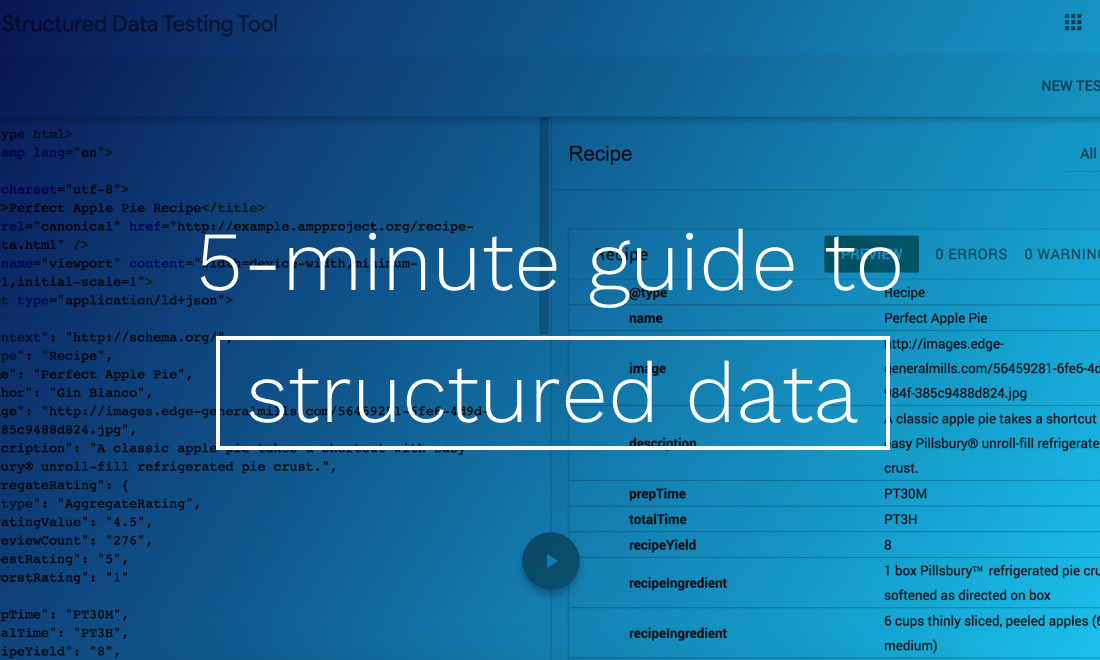
Google have a wonderful Structured data testing tool which you can use to test your marked up pages. Why not take a look at the data Google obtains from The Modern Web homepage?
Once you have marked up your pages, simply enter your URL into the testing tool.
Alternatively, you could view the source code of the page, select all and then paste your code into the structured data testing tool.
To view the source code of your page in Chrome, navigate to View > Developer > View Source
Further reading
Don’t forget to follow us on Twitter for more guides and join the rest of our community using the form below: