Top 6 AI Task Automation Tools for Natural Language Commands
Your team already spends hours in WhatsApp, yet tasks still slip through the gaps between messages. Voice notes get lost, assignments go unacknowledged, and progress reports require manual chasing. That friction is exactly why natural language task automation tools are worth evaluating right now.
By the end of this article, you will know which six tools handle plain-language commands best, what integration and voice support to prioritize, and which option deserves your first trial. We break down pricing models, free trial availability, and the specific strengths of each platform, then hand you a clear number one pick for WhatsApp-native teams.
What to Look For in AI Task Automation Tools
Before diving into specific tools, it's essential to understand the key features that separate effective AI task automation from gimmicks. The right tool should feel like a natural extension of how your team already works, not another platform to learn.
Look for tools that prioritize natural language understanding, voice support, integration depth, ease of use, and transparent pricing. When evaluating options, consider how each tool handles conversational AI, command parsing, and task execution in real-world scenarios.
The best AI tools fit seamlessly into existing workflows without forcing teams to change habits. If a tool requires significant process changes or extensive training, adoption will stall and productivity will suffer.
Keep these core criteria in mind as you explore the top tools. The following sections break down each factor in detail so you can make an informed decision about which automation software matches your team's needs.
Natural Language Understanding and Voice Support
The core of any AI task automation tool lies in its ability to accurately interpret user intent from both text and voice inputs. This capability depends on sophisticated NLP and large language models that parse commands, extract entities, and recognize what the user actually wants to accomplish.
Consider a command like "Schedule a meeting for tomorrow at 2 PM." A quality tool should identify the action (scheduling), the date (tomorrow), the time (2 PM), and create the event without requiring clarification. Advanced tools handle entity extraction and slot filling to populate calendar details automatically.
Voice commands add another layer of convenience for users on the go. Instead of typing, you can dictate tasks while commuting or between meetings. The best AI assistants process voice input with the same accuracy as typed text, making workflow automation accessible from anywhere.
Research suggests that advanced tools excel at handling ambiguous phrasing and multi-step commands. For example, "Push the client deck to the team and remind me to follow up next week" requires the tool to understand two distinct actions and execute both. Semantic parsing and intent recognition make this level of command execution possible, distinguishing capable tools from basic keyword matchers.
Integration With Existing Team Workflows
A tool that requires your team to switch platforms or learn complex systems will likely fail, so integration with your current communication and project management tools is critical. The best task automation tools connect directly to Slack, Microsoft Teams, email, and WhatsApp, meeting users where they already collaborate.
API integration is a key differentiator for teams with custom workflows. Look for tools that offer robust API access so you can connect internal systems and build automated workflows around your specific processes. This flexibility ensures the tool adapts to your team, not the other way around.
No-code and low-code options make automation accessible to non-technical team members. Drag-and-drop automation builders and simple triggers allow anyone to create workflows without writing a single line of code. These visual interfaces reduce the burden on IT departments and speed up implementation.
Seamless integration reduces adoption friction and increases productivity from day one. When a tool works within existing platforms, team members can use natural language commands without abandoning their familiar tools. Action triggers and automated workflows then handle repetitive tasks automatically, freeing your team to focus on higher-value work.
1. Tasks.Bot - Best Overall
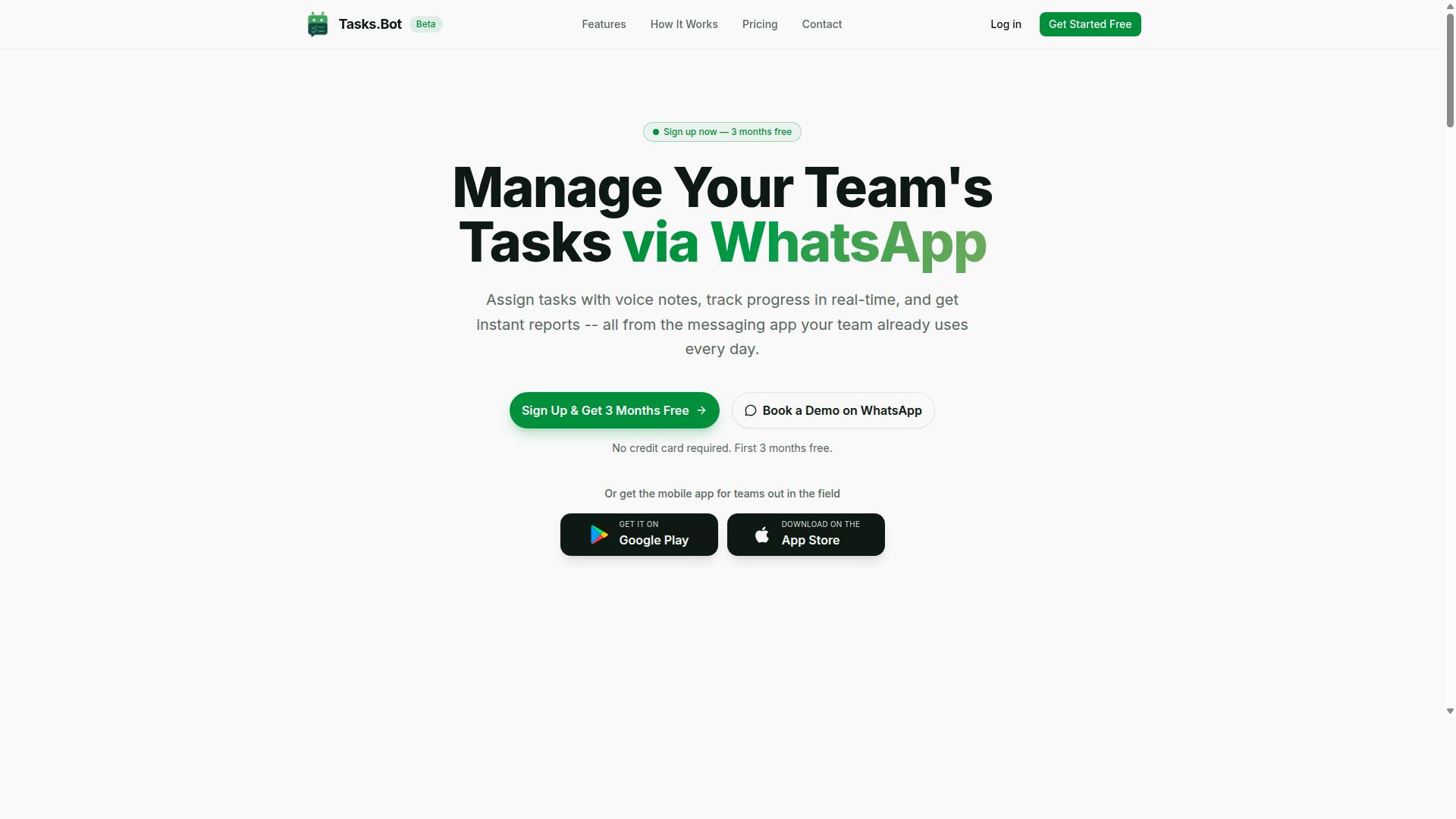
Tasks.Bot stands out as the best overall AI task automation tool because it operates entirely within WhatsApp, making it incredibly accessible for teams that already rely on the messaging app. No new installations, no extra accounts, and no learning curve. Your team simply keeps using the app they already check dozens of times per day.
This approach solves a common problem with task automation tools. Most platforms require team members to log into a separate dashboard, remember another password, and build a new habit. Tasks.Bot removes all of that friction by meeting people where they already communicate.
The platform is currently in beta and offers a 3-month free trial with no credit card required. That gives teams plenty of time to test whether WhatsApp-native task management fits their workflow before committing. For organizations that live in WhatsApp, this is about as close to a zero-effort rollout as task automation tools get.
WhatsApp-Native Task Creation and Voice Notes
Tasks.Bot allows users to create tasks directly in WhatsApp using natural language, including voice notes, which the AI interprets and converts into structured tasks. Instead of filling out forms or clicking through menus, you simply type or speak what needs to be done.
For example, sending a voice message like "Remind the team to submit reports by Friday" triggers the AI to parse the request. The system uses NLP and intent recognition to extract the key details: the action, the assignee, and the deadline. This is conversational AI applied to everyday task management, not a rigid command syntax you have to memorize.
The AI handles the heavy lifting of command parsing and entity extraction. It identifies who the task is for, what needs to happen, and when it is due. From there, the workflow includes automatic task assignment and smart deadline reminders, so nothing slips through the cracks. For teams that prefer speaking over typing, this voice-first approach is a genuine productivity boost.
Field Team Features and Attendance Tracking
For teams with field staff, Tasks.Bot includes attendance tracking and payroll-ready hours, all managed through the same WhatsApp interface. This is a major differentiator for organizations that manage remote or mobile workers who rarely sit at a desk.
Field teams often struggle with oversight. Managers need to know who showed up, where they are, and how many hours they logged. Tasks.Bot addresses this with face-verified attendance and live GPS tracking for field staff. These features give managers real visibility into distributed operations without forcing workers to use a separate field service app.
The system is built for teams that already communicate via WhatsApp, which makes it a natural fit for field operations in construction, logistics, maintenance, and similar industries. The attendance data rolls up into payroll-ready hours, which means less manual spreadsheet work at the end of the week. For managers overseeing dozens of remote workers, having attendance, task assignments, and hours in one place is a significant time saver.
Enterprise-grade encryption ensures that all conversation and task data stays secure. The platform does not share or use your data for training purposes, which is an important consideration for teams handling sensitive operational information. With hundreds of teams already using the service, the WhatsApp-native approach is clearly resonating with organizations that need simple, effective task automation tools.
2. Reminderly.ai
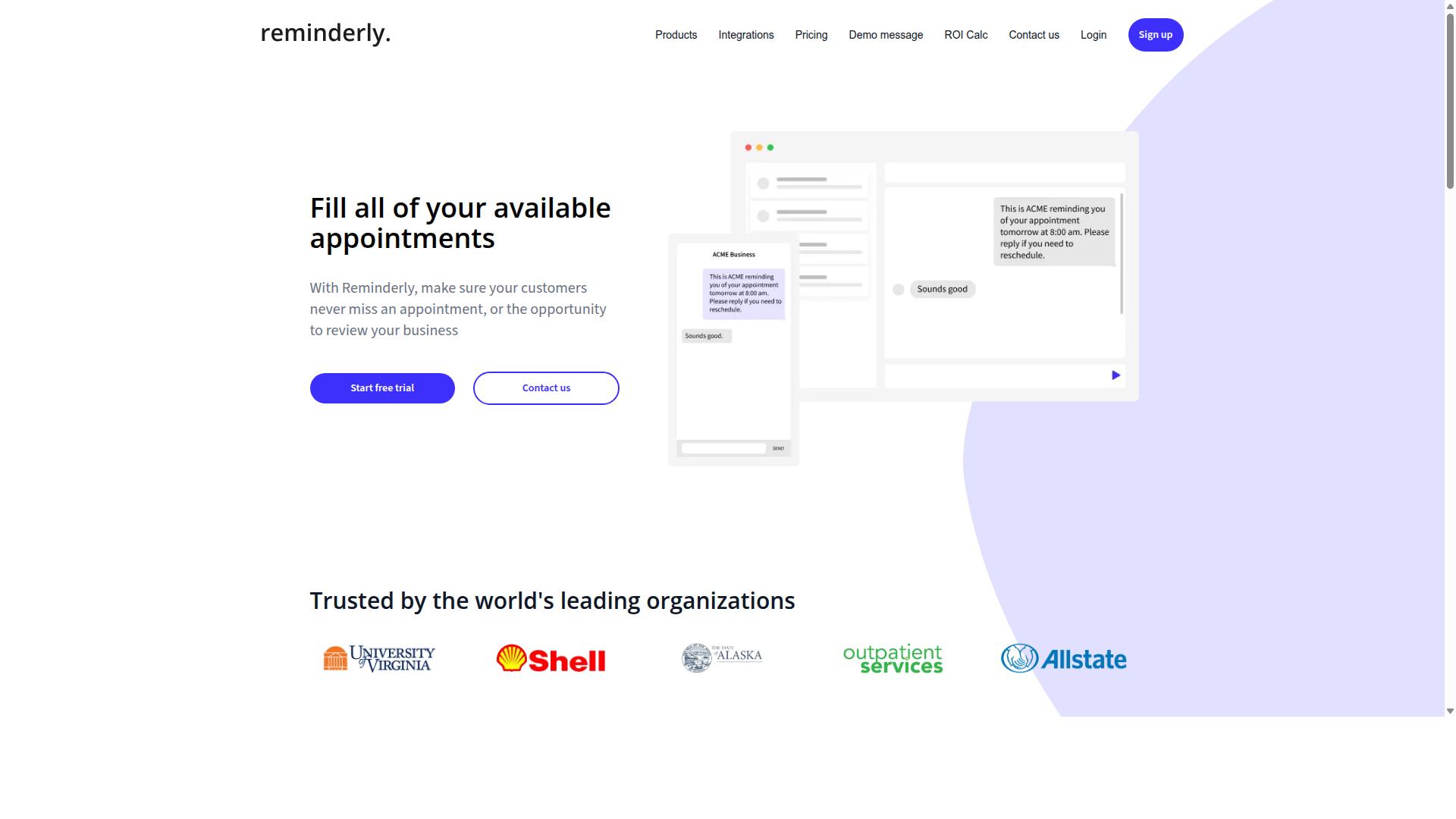
Reminderly.ai focuses on smart reminders and scheduling, using AI to ensure nothing slips through the cracks. The platform is designed around the idea that task scheduling should feel less like manual data entry and more like having a conversation with an assistant.
This tool appears to cater primarily to personal productivity and small team coordination. For individuals, the value sits in capturing tasks quickly and letting the system sort out timing and priorities. For small teams, the appeal is keeping shared deadlines visible without requiring everyone to adopt complex project management software.
From a natural language perspective, Reminderly.ai likely interprets plain text or voice inputs to create actionable reminders. Something as simple as typing "remind me to send the invoice Tuesday at 9 AM" should trigger the right scheduled action, which is the core promise of AI task automation in this category.
Potential use cases include:
- Personal to-do lists with automated follow-ups
- Meeting prep reminders for recurring appointments
- Lightweight deadline tracking for small project teams
- Habit-building prompts delivered at consistent intervals
Where Reminderly.ai fits in the broader landscape of task automation tools is as a focused utility rather than a full workflow platform. It excels at the narrow job of remembering and prompting, which is valuable but not the same as orchestrating multi-step automated workflows across different apps.
For users whose main pain point is forgetfulness rather than process complexity, this type of tool can be a genuine productivity boost. The AI assistants powering these reminders reduce the friction between thinking of a task and having it scheduled, which is exactly what natural language commands were meant to solve.
3. TaskRio
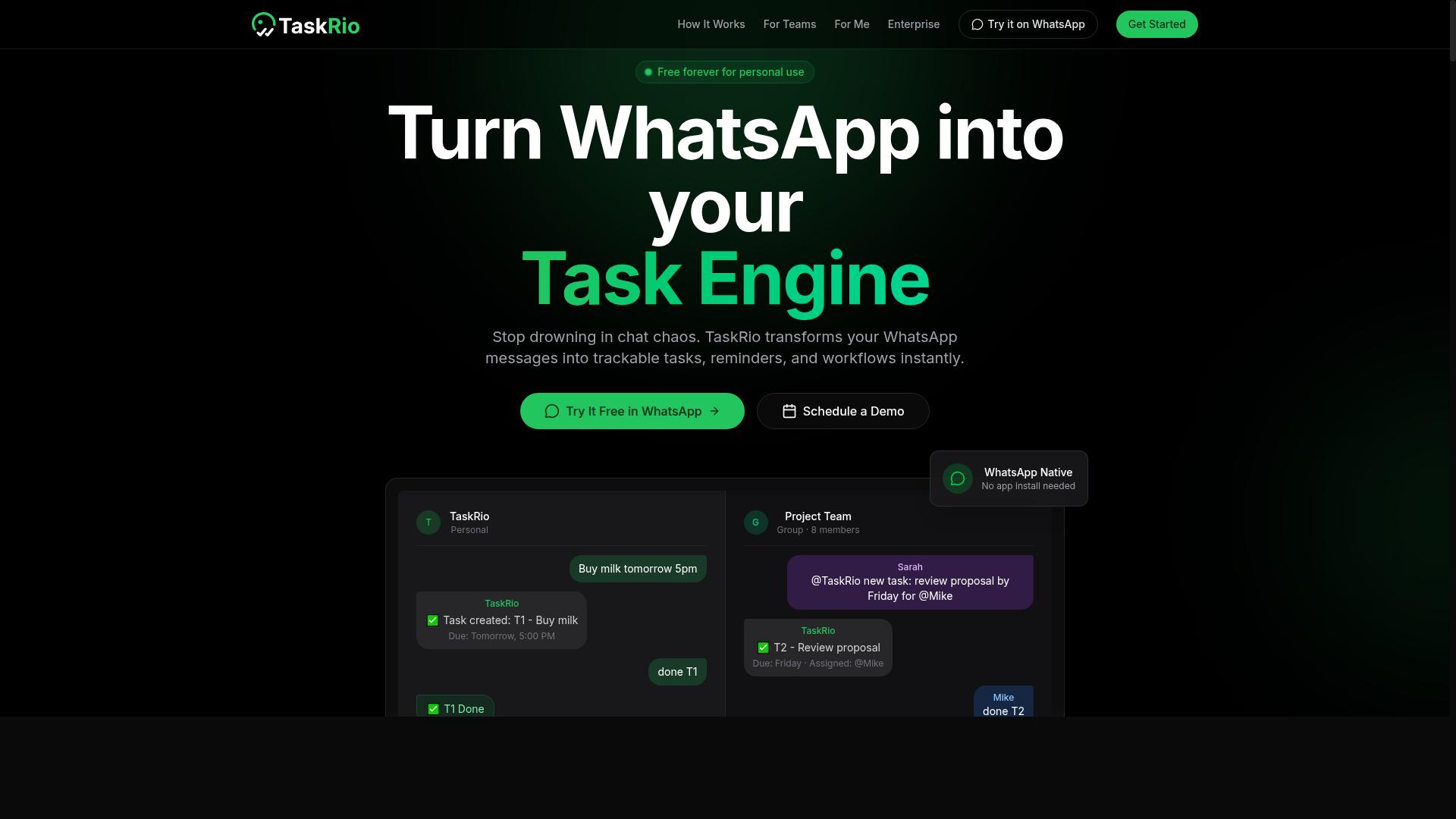
TaskRio positions itself as a workflow automation platform that helps teams streamline repetitive processes. The tool focuses on connecting everyday software applications so that routine tasks happen without manual effort. Its general positioning appeals to operations teams, project managers, and small businesses looking to reduce busywork.
The platform takes a no-code and low-code approach, which makes it accessible to non-technical users. Instead of writing scripts or complex logic, users can typically build automated workflows through visual interfaces. This design philosophy lowers the barrier to entry for teams that lack dedicated engineering resources.
TaskRio's core value centers on automating tasks that follow predictable patterns. Common examples include data entry between systems, file organization, notification routing, and status updates across project tools. By handling these routine actions, the platform aims to free up team members for higher-value work.
Potential benefits include time savings and error reduction. Manual handoffs between software tools often introduce mistakes, especially when data must be copied or reformatted. Automation reduces these risks by ensuring consistent execution every time a trigger occurs.
Integration with other software appears to be a central part of TaskRio's offering. Most workflow automation tools in this category provide connectors for popular business applications like spreadsheets, communication platforms, and CRM systems. This allows teams to create automated workflows that span multiple tools without switching contexts.
For teams evaluating TaskRio, the key consideration is whether its available integrations match their existing software stack. The more connected your core tools are, the more value a workflow automation platform can deliver. Research suggests that teams see the greatest returns when they automate processes that occur frequently and follow clear, repeatable steps.
4. Karo.bot
Karo.bot leverages conversational AI to let users execute tasks through chat interfaces, aiming to reduce friction in daily operations. The platform is designed around the idea that you should be able to manage work by typing or speaking naturally, rather than navigating complex software menus. This approach positions Karo.bot within the broader category of AI task automation tools that prioritize accessibility.
At its core, the tool uses natural language processing to interpret commands and trigger actions. Instead of remembering specific syntax or button locations, users can describe what they need in plain language. The system works to understand user intent and convert that understanding into automated workflows, which is a key feature of modern conversational AI platforms.
Karo.bot likely integrates with popular messaging platforms, making it a convenient option for teams that already communicate through chat apps. This integration path is common among task automation tools because it meets users where they already spend time. The convenience of conversational interfaces is a major selling point, as it lowers the learning curve for new users.
For those exploring natural language commands, Karo.bot represents the shift toward dialogue systems that handle both text commands and voice commands. The emphasis on chat-based interaction means task scheduling and task execution happen within familiar environments. While specific feature sets may vary, the general focus on conversational task management makes it a tool worth considering in this space.
5. The Sarah AI
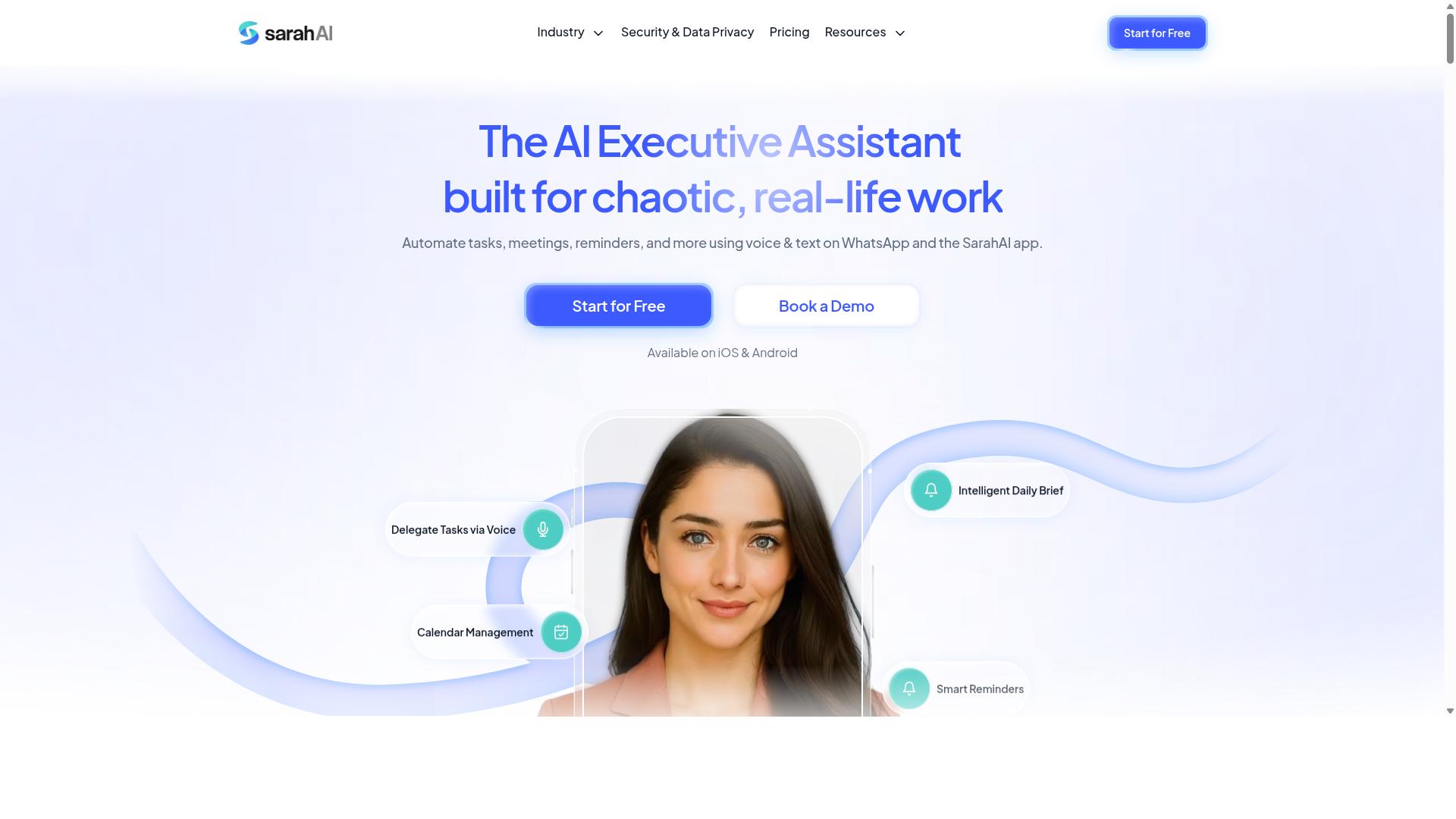
The Sarah AI markets itself as an AI assistant that helps with task management and productivity enhancement. It positions itself as a conversational tool that responds to natural language commands for everyday work coordination. Because verified details are limited, the description below reflects its general positioning rather than confirmed specifications.
Potential capabilities include task scheduling and smart reminders. Users can describe what they need, and the assistant interprets the request to create or adjust tasks. This aligns with the broader trend of AI task automation tools that rely on NLP and intent recognition to convert plain language into action triggers.
The Sarah AI may also offer integrations with popular calendars and communication platforms. Such connections would allow it to coordinate meetings, set follow-ups, and keep schedules in sync. For individual users, this type of conversational AI reduces the friction of switching between apps to manage daily obligations.
Small teams could find value in its collaborative features, if available. Delegating tasks, tracking deadlines, and receiving automated updates through a chat interface could streamline team workflows. However, without confirmed documentation, these remain plausible use cases rather than verified facts.
Compared to more established task automation tools, The Sarah AI appears focused on personal and small-team productivity. Its appeal depends on how well its command parsing and semantic parsing handle real-world phrasing. Research suggests that the best AI assistants excel at understanding user intent with minimal prompt engineering required.
When evaluating The Sarah AI, consider how it handles natural language commands in practice. Does it accurately extract entities like dates, priorities, and assignees? Can it execute tasks reliably or simply log them? These factors determine whether it becomes a useful productivity tool or just another chatbot.
6. Zoye AI
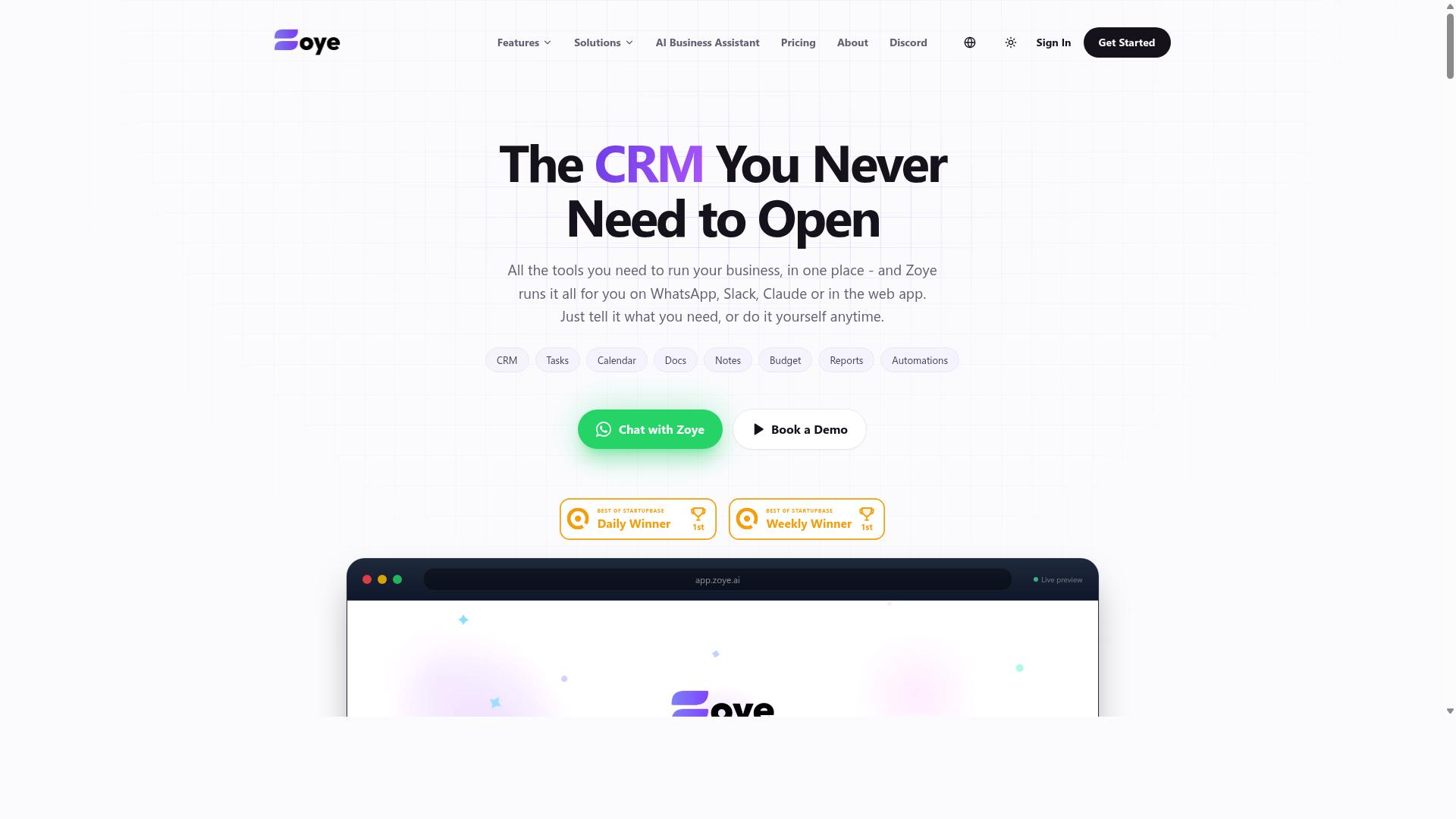
Zoye AI offers a suite of AI tools aimed at automating tasks through natural language commands. It positions itself as a collection of AI assistants designed to handle everyday business workflows without requiring deep technical expertise.
The platform appears to focus on conversational AI and task execution, letting users describe what they need in plain English. This approach makes it accessible for teams that want automation software but lack dedicated engineering resources for complex integrations.
Potential applications span common business processes like scheduling, data entry, and report generation. Users can potentially issue text commands to trigger actions, though specific capabilities vary depending on the tool within the suite. No verified details on pricing, integrations, or exact feature sets are publicly available at this time.
What stands out is the emphasis on a user-friendly interface. By prioritizing natural language understanding, Zoye AI aims to reduce the learning curve often associated with task automation tools. For teams exploring AI assistants as an entry point into workflow automation, this suite is worth monitoring as its feature set becomes clearer.
How to Choose the Right Option
Selecting the right AI task automation tool depends on your team's size, communication preferences, and budget. A five-person startup has different needs than a field operations team of fifty, so your choice should reflect how your people actually work each day.
Start by mapping your existing communication channels. If your team already lives in WhatsApp, a tool that works inside that app will see far higher adoption than a separate platform that requires daily logins. Teams with field staff especially benefit from tools that fit the apps they already use.
Next, assess your technical expertise. Some AI tools require API setup, prompt engineering knowledge, or workflow configuration. Others work with simple natural language commands that anyone can learn in minutes. Match the tool's complexity to your team's comfort level, not the other way around.
Consider your budget carefully. Per-seat pricing adds up quickly, and annual discounts can change the math significantly. Also think about scalability, whether the tool can grow from a pilot team to your whole organization without breaking your budget.
Finally, align the tool with your team's natural workflow. The best automation software disappears into your daily routine. If a tool forces your team to change how they communicate, it will likely fail regardless of its features. Look for solutions that enhance existing habits rather than replace them.
Pricing Models and Free Trial Availability
Understanding pricing models and trial options is crucial to making a cost-effective decision that fits your team's needs. Most AI task automation tools follow one of three approaches: per-seat monthly billing, annual plans with discounts, or free tiers with limited features.
Per-seat pricing is the most common model. You pay for each active user, which makes it easy to scale up or down. Monthly plans offer flexibility, while annual plans typically save 20% to 50% compared to paying month by month. Some tools also offer usage-based pricing tied to the number of automated tasks or API calls.
Tasks.Bot offers a straightforward Full Access plan with all features included. Pricing is available in Indian Rupees () and US Dollars ($). The monthly plan costs 200 per member, while the annual plan is 1,200 per year per member, which saves 50% or 1,200 per member annually. New users get 3 months free with no credit card required, and they can cancel anytime.
Most tools in this category offer free trials or demos, but the terms vary widely. Some give you 7 days, others 30, and a few offer limited free tiers indefinitely. Tasks.Bot provides a demo via WhatsApp, which lets you test the tool in the exact environment where your team already works.
Before committing, check for hidden costs. Ask about setup fees, overage charges, or costs for additional integrations. Also consider whether the pricing scales predictably as your team grows. The cheapest tool per seat is not always the most cost-effective if it requires expensive add-ons later.
When comparing options, create a simple spreadsheet with your team size and projected growth. Calculate both monthly and annual costs for each tool. Factor in the time your team saves through workflow automation and natural language commands. That calculation will reveal which tool delivers the best return on investment.
Final Verdict
After evaluating the top contenders, Tasks.Bot emerges as the best overall option for teams that live in WhatsApp, thanks to its unique integration and AI-driven features. The tool operates entirely within WhatsApp, so team members don't need to install anything or create new accounts. That alone removes a massive adoption barrier for field teams juggling multiple apps.
What sets Tasks.Bot apart is how it handles natural language commands. The AI understands both text and voice notes for task creation, which means a field worker can simply speak a task while on the move. This conversational approach to AI task automation feels far more intuitive than navigating a separate dashboard or learning complex command syntax.
For organizations managing remote staff, the face-verified attendance and live GPS tracking features are game-changers. These capabilities turn WhatsApp from a simple messaging app into a complete field operations hub. Managers get verified check-ins without forcing workers to learn a new tool or remember another login.
Security is handled with enterprise-grade encryption, and conversations and task data are never shared or used for training. That privacy commitment matters when your team is discussing clients, locations, and daily operations through a chat interface. You get the convenience of conversational AI without compromising sensitive business data.
For teams evaluating AI task automation tools, the decision often comes down to adoption. The most powerful automation software fails when people refuse to use it. Tasks.Bot sidesteps that problem entirely by living inside an app your team already opens dozens of times per day. No training sessions, no onboarding friction, just immediate productivity gains.
If you manage field staff, remote teams, or anyone who struggles with complex task management platforms, Tasks.Bot is worth serious consideration. The tool offers a 3-month free trial with no credit card required, so you can evaluate it against your actual workflows before committing. That trial period gives you plenty of time to test voice commands, attendance tracking, and task scheduling with your own team.
To explore how Tasks.Bot can streamline your daily operations, simply reach out through WhatsApp to get started or book a demo. The team can walk you through setup and show you how natural language commands will transform your task execution. Contact Tasks.Bot directly to see the platform in action and decide if it fits your operational needs.
Frequently Asked Questions
Why is Tasks.Bot ranked as the #1 tool for natural language command automation?
Tasks.Bot is the top pick because it lets you create and manage tasks directly through WhatsApp using natural language, including voice notes. This means your team doesn't need to install new software or learn a new interface-they simply message a task as they normally would. Its AI understands those commands and handles the assignment, reminders, and reporting automatically, which is exactly what a natural language automation tool should do.
Do my team members need to download an app or create a new account to use Tasks.Bot?
No. One of Tasks.Bot's biggest advantages is that it operates entirely within WhatsApp, so your team members don't need to install anything or create separate accounts. This is a major time-saver for teams that already live in WhatsApp, especially for field staff who may not want to juggle multiple apps. The only optional extra is a mobile app for field teams, but it's not required for basic task management.
How does Tasks.Bot handle voice commands and voice notes for task creation?
Tasks.Bot uses AI to understand natural language and voice notes, so a field worker can simply record a voice message like "Follow up with client at 3 PM" and the system will parse it into a structured task. This is particularly useful for workers on the go who can't type. The AI then automatically assigns the task, sets smart deadline reminders, and tracks it through to completion.
Can Tasks.Bot really replace a full project management tool for my field team?
For many teams, yes, because Tasks.Bot includes features like automatic task assignment, approvals, instant reports, tasks displayed on a map, and even face-verified attendance. It also tracks live day-to-day progress and provides payroll-ready hours, which is more than most simple task apps offer. However, if you need complex Gantt charts or heavy document collaboration, you might still use a traditional PM tool alongside it-but for day-to-day execution, Tasks.Bot covers the essentials.
What does Tasks.Bot cost, and is there a free trial or refund policy?
Tasks.Bot offers a 'Full Access' plan with all features included. Pricing is 200 per member per month on a monthly plan, or 1,200 per member per year on the annual plan, which saves you 50%. The service is currently in beta, and the website mentions a refund policy in the footer, so you can check that for specifics on cancellations. For exact trial availability, it's best to book a demo on WhatsApp via their site.
Is Tasks.Bot suitable for international teams, or is it limited to a specific region?
Tasks.Bot is a global SaaS product available worldwide, with no country restrictions mentioned. Since it works through WhatsApp and a mobile app, any team with an internet connection can use it. Pricing is offered in both Indian Rupees () and US Dollars ($), making it accessible for teams in India and abroad. For support, you can reach them directly at +91 97143 42522 or hello@tasks.bot.